> ## Documentation Index
> Fetch the complete documentation index at: https://www.anything.com/docs/llms.txt
> Use this file to discover all available pages before exploring further.
# Freesound
> Access a vast library of audio samples
Freesound API provides access to a collaborative database of Creative Commons Licensed sounds.
## Overview
Sign up for a Freesound account
Generate your Freesound API key
Add your API key to Anything's secrets
## Account Creation
Go to [freesound.org](https://freesound.org/) and click "Join" in the top right corner
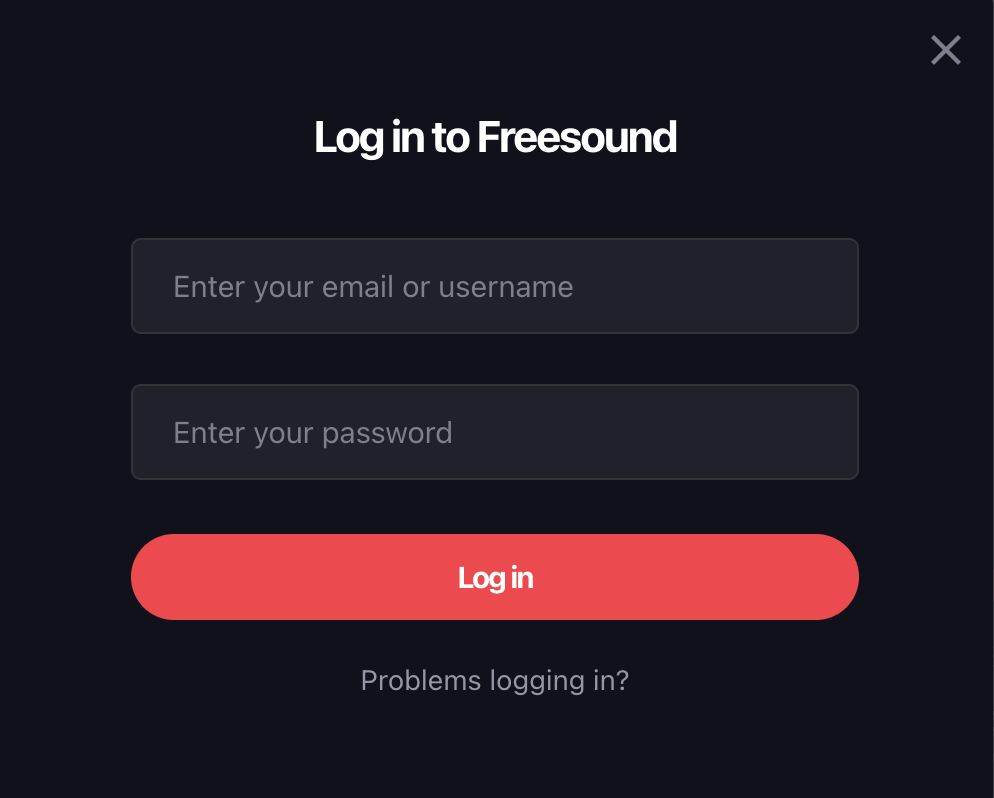
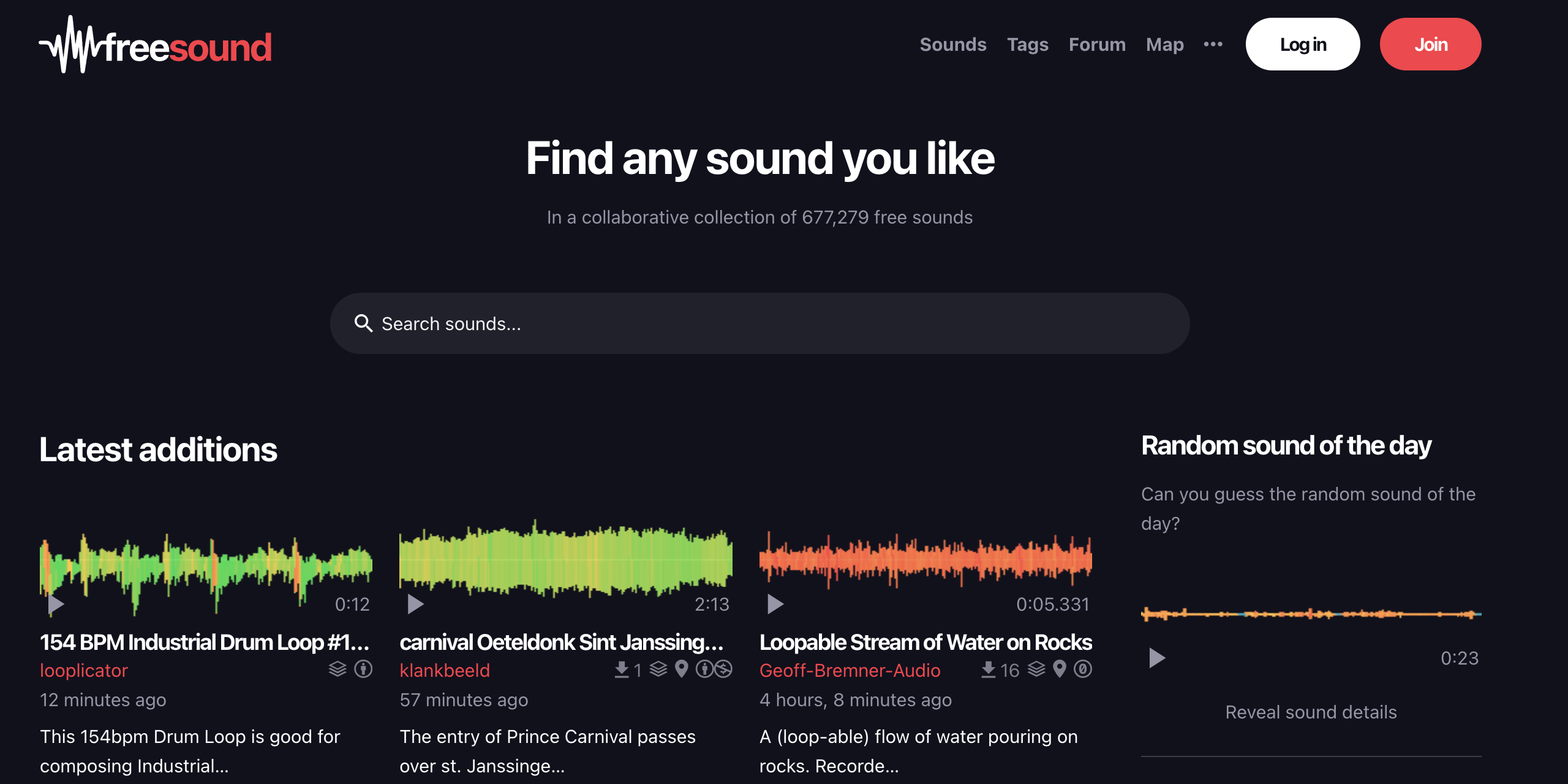 * Sign up with email/password
 ## Generate API Key
1. Fill out Freesound's Application Form [here](https://freesound.org/apiv2/apply/).
## Generate API Key
1. Fill out Freesound's Application Form [here](https://freesound.org/apiv2/apply/).
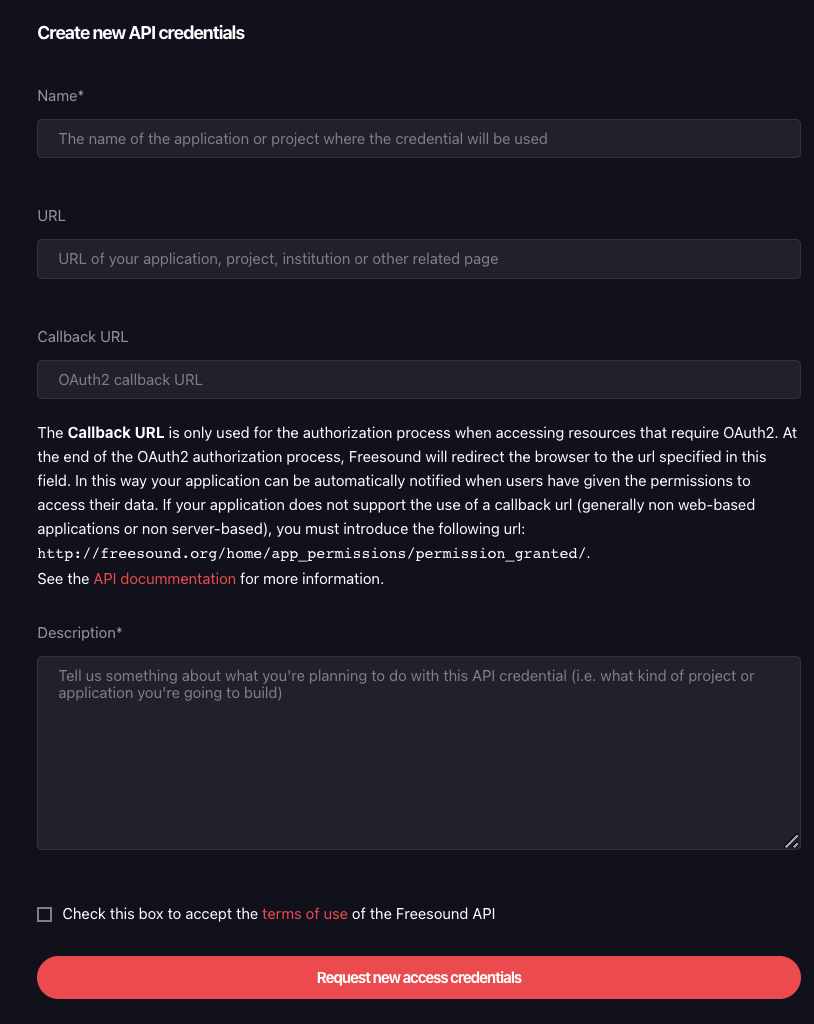 Freesound's search feature does not require a callback url. You may leave it blank.
1. Click "Request new access credentials"
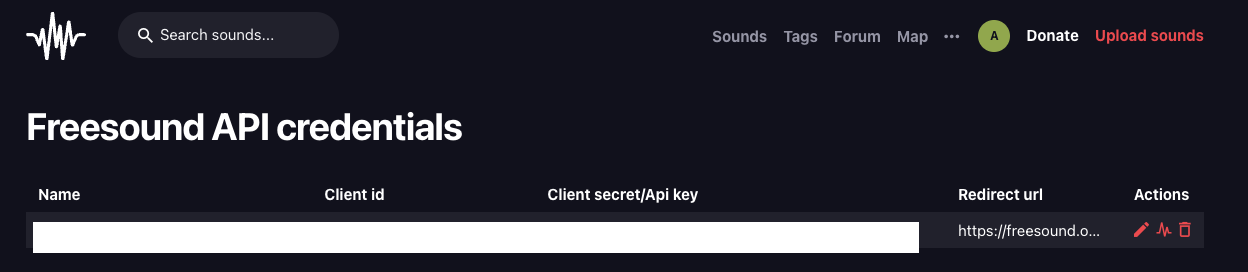
2. Copy your API key
Freesound's search feature does not require a callback url. You may leave it blank.
1. Click "Request new access credentials"
2. Copy your API key
 ## Add to Anything project
1. In your Anything project, type `/` in the chat
2. Select "Freesound" from the menu
1. Paste your API key into the "FREESOUND\_API\_KEY" field
Need a new key? Generate one in your Freesound dashboard.
You can now use prompts with the integration to access audio samples.
Example prompts:
* `Find nature sound effects using /Freesound`
* `Add background music with /Freesound`
* `Build a sound library using /Freesound`
The API has rate limits. Avoid making too many requests in a short time.
Example prompt for optimization:
```
When using /Freesound, save the audio files so they load faster next time
```
Your Freesound integration is ready! Use `/Freesound` in chat to access audio samples.
## Add to Anything project
1. In your Anything project, type `/` in the chat
2. Select "Freesound" from the menu
1. Paste your API key into the "FREESOUND\_API\_KEY" field
Need a new key? Generate one in your Freesound dashboard.
You can now use prompts with the integration to access audio samples.
Example prompts:
* `Find nature sound effects using /Freesound`
* `Add background music with /Freesound`
* `Build a sound library using /Freesound`
The API has rate limits. Avoid making too many requests in a short time.
Example prompt for optimization:
```
When using /Freesound, save the audio files so they load faster next time
```
Your Freesound integration is ready! Use `/Freesound` in chat to access audio samples.