> ## Documentation Index
> Fetch the complete documentation index at: https://www.anything.com/docs/llms.txt
> Use this file to discover all available pages before exploring further.
# HackerEarth
> Access coding challenges and assessment tools
HackerEarth API allows you to integrate coding assessments, challenges, and programming contests into your applications.
## Overview
Sign up for a HackerEarth account
Generate your HackerEarth API key
Add your API key to Anything's secrets
## Account Creation
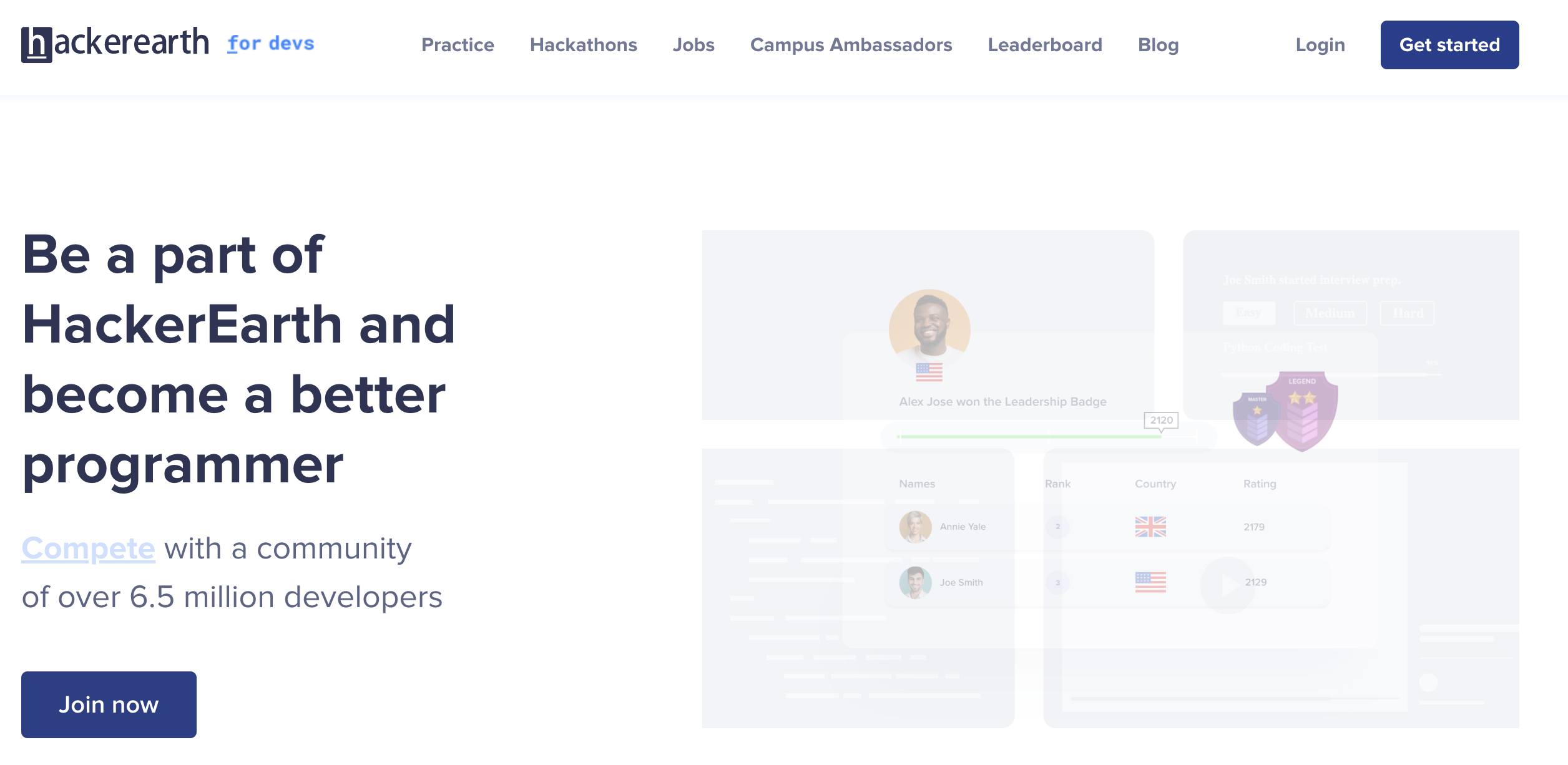
Go to [https://www.hackerearth.com/for-developers/](https://www.hackerearth.com/for-developers/) and click "Get Started"
 * Fill in your details
* Choose account type (Business/Developer)
* Complete verification process
## Generate API Key
1. Log in to your HackerEarth account
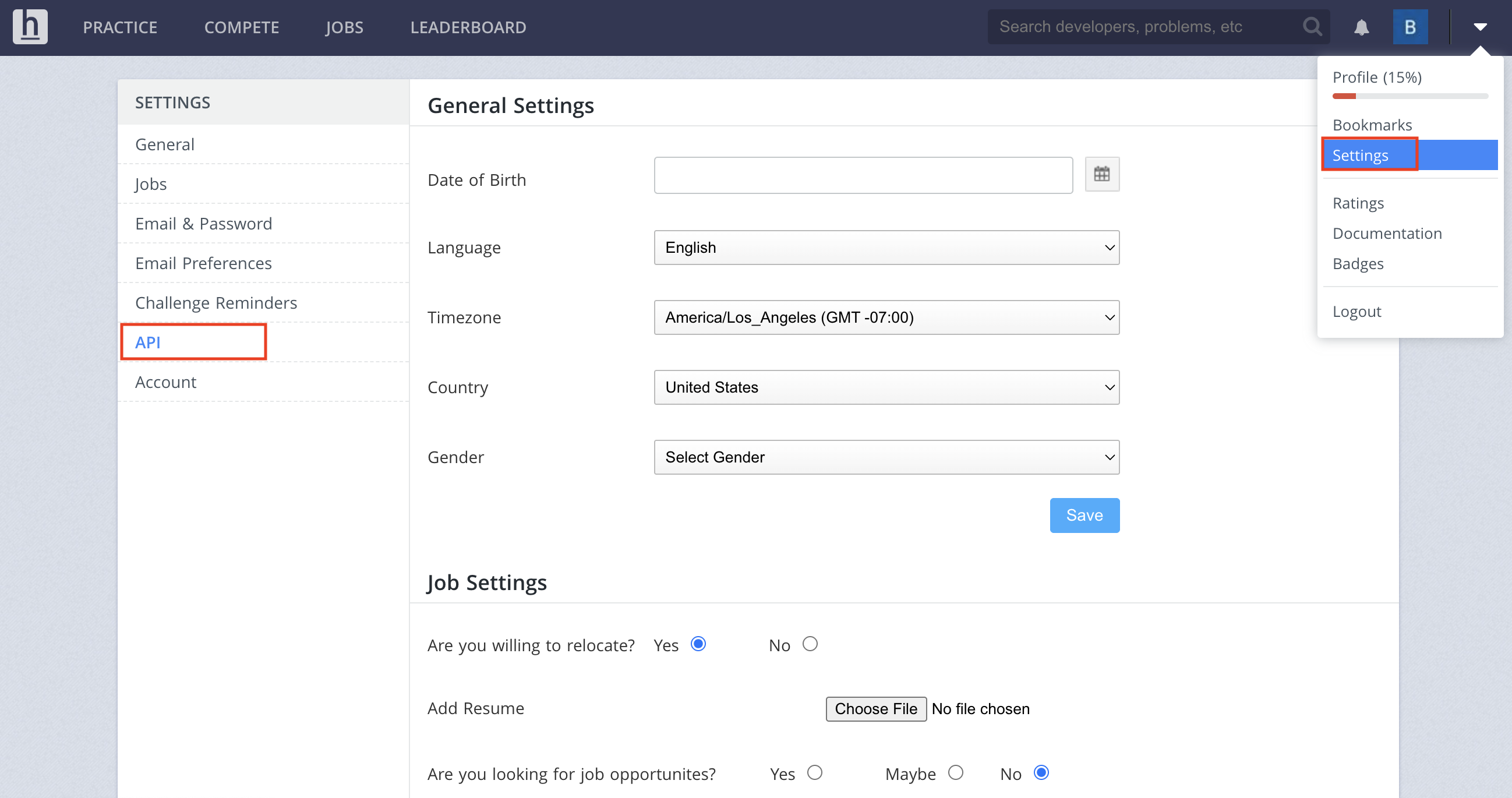
2. Navigate to the API section
* Fill in your details
* Choose account type (Business/Developer)
* Complete verification process
## Generate API Key
1. Log in to your HackerEarth account
2. Navigate to the API section
 1. Click "Generate New Key"
2. Select the required permissions
1. Click "Generate New Key"
2. Select the required permissions
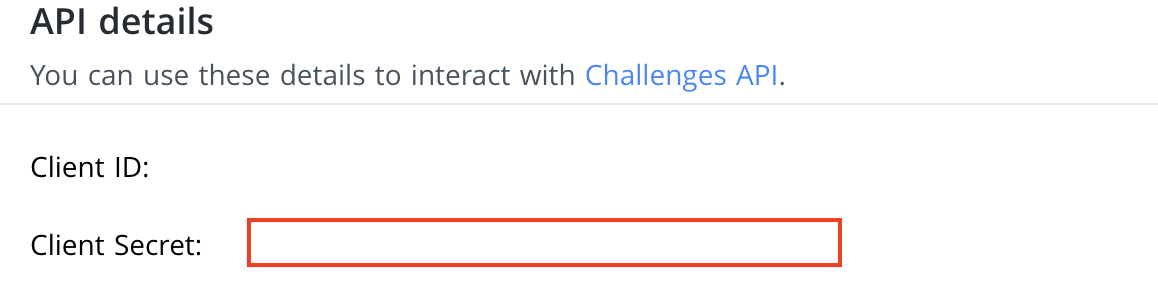 1. Copy the generated API key
Keep your API key secure - it grants access to your HackerEarth account and quota
## Add to Anything project
1. In your Anything project, type `/` in the chat
2. Select "HackerEarth" from the menu
1. Paste your API key into the "HACKEREARTH\_API\_KEY" field
Need a new key? Generate one in your HackerEarth dashboard.
You can now use prompts with the integration to manage coding assessments.
Some examples:
* `Set up a coding challenge using /HackerEarth`
* `Evaluate code submissions with /HackerEarth`
* `Build an assessment platform using /HackerEarth`
The API has rate limits. If something fails, wait a moment and try again.
Example prompt for optimization:
```
When using /HackerEarth, save the assessment results so I can review them later
```
Your HackerEarth integration is now ready! Use the `/HackerEarth` command in chat to manage coding assessments.
1. Copy the generated API key
Keep your API key secure - it grants access to your HackerEarth account and quota
## Add to Anything project
1. In your Anything project, type `/` in the chat
2. Select "HackerEarth" from the menu
1. Paste your API key into the "HACKEREARTH\_API\_KEY" field
Need a new key? Generate one in your HackerEarth dashboard.
You can now use prompts with the integration to manage coding assessments.
Some examples:
* `Set up a coding challenge using /HackerEarth`
* `Evaluate code submissions with /HackerEarth`
* `Build an assessment platform using /HackerEarth`
The API has rate limits. If something fails, wait a moment and try again.
Example prompt for optimization:
```
When using /HackerEarth, save the assessment results so I can review them later
```
Your HackerEarth integration is now ready! Use the `/HackerEarth` command in chat to manage coding assessments.