> ## Documentation Index
> Fetch the complete documentation index at: https://www.anything.com/docs/llms.txt
> Use this file to discover all available pages before exploring further.
# Minimax
> Integrate Minimax video generation capabilities using Replicate's AI Model Database into your application
Minimax provides advanced features for generating videos using AI models from Replicate.
Replicate requires paid credits to use their API. Please refer to their pricing [here](https://replicate.com/pricing#public-models).
## Overview
Sign up for a Replicate account.
Generate your Replicate API key.
Add your credentials to Anything's secrets.
## Account Creation
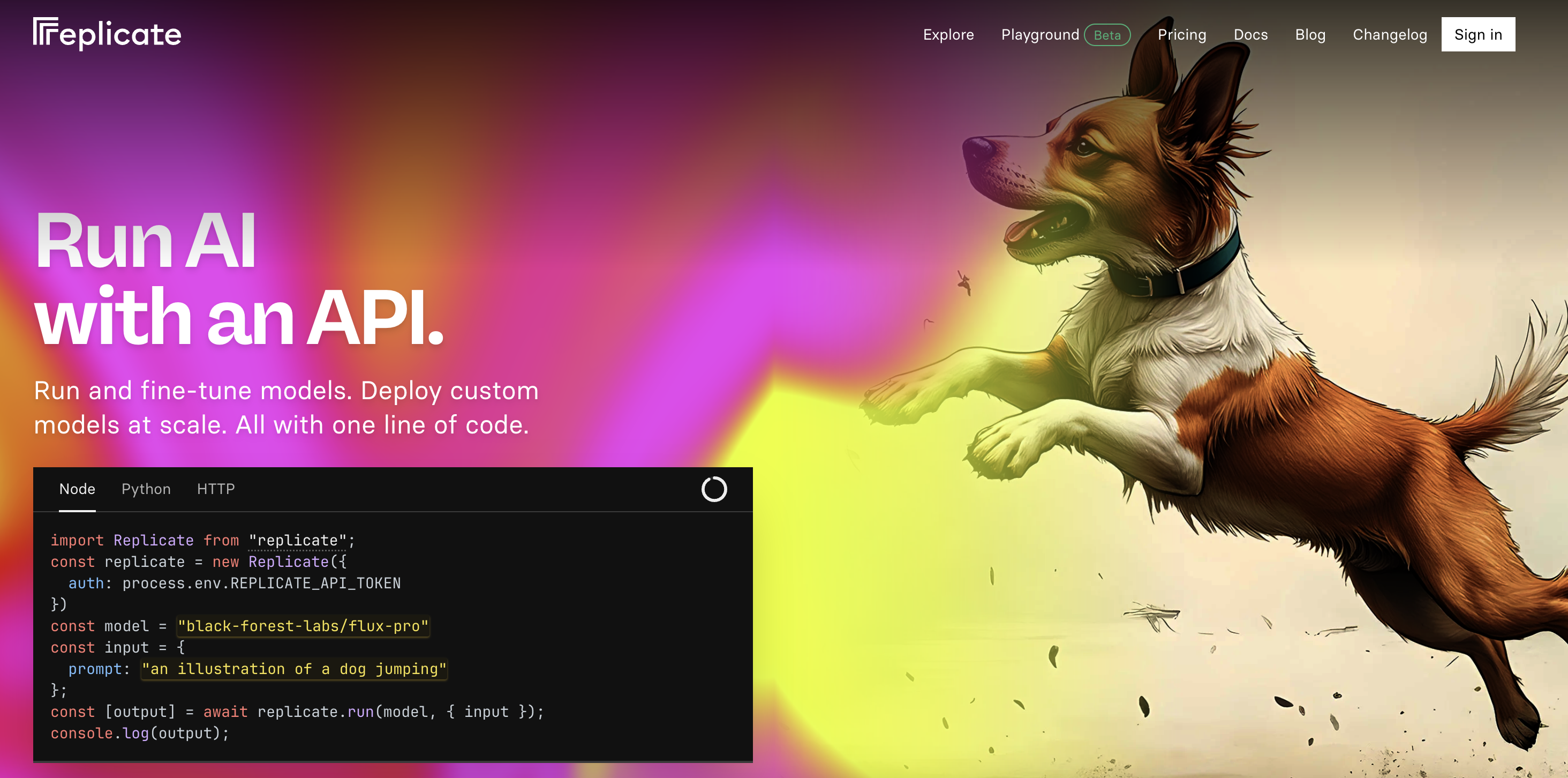
Go to [replicate.com](https://www.replicate.com/) and click "Sign Up" in the top right corner.
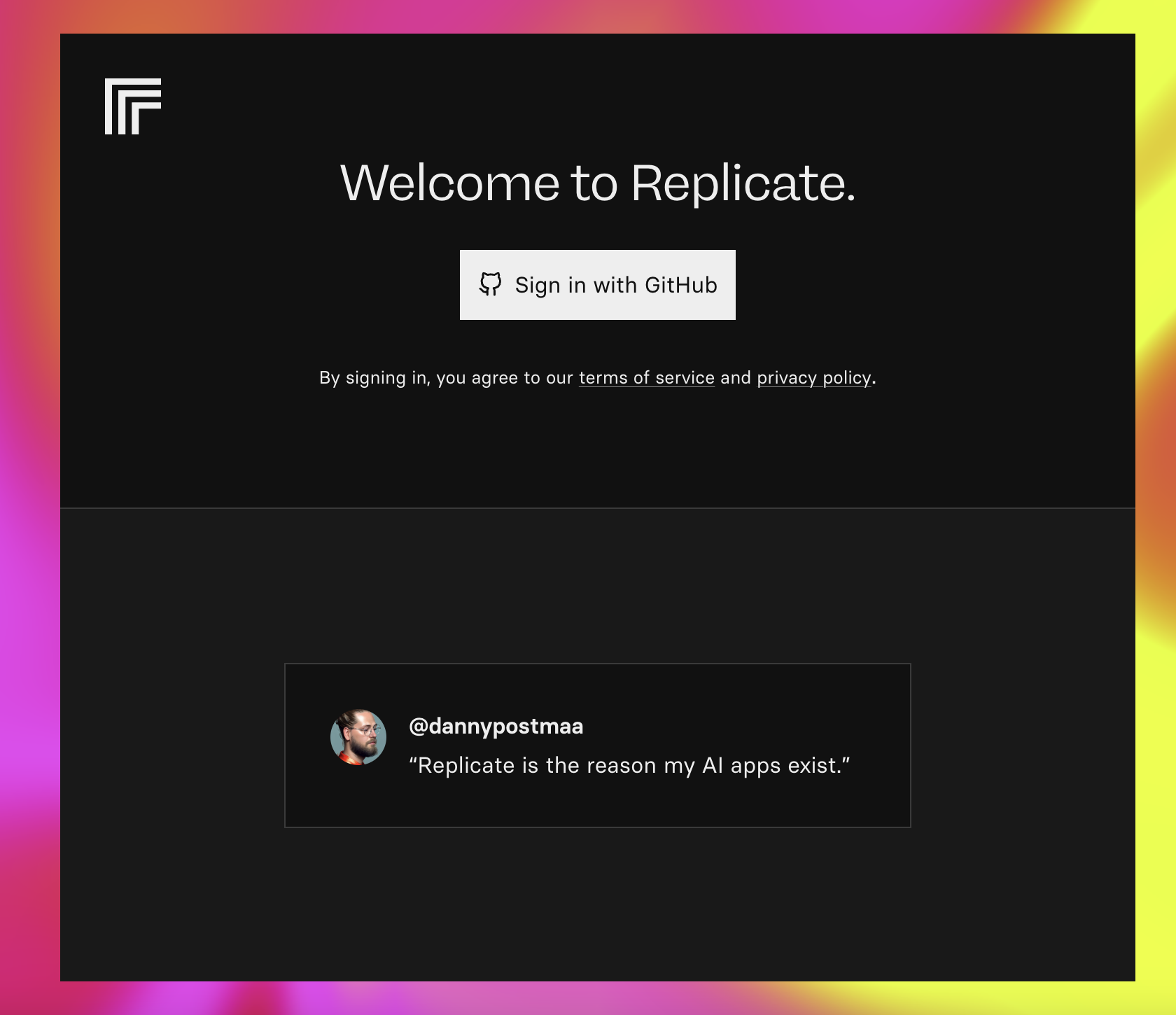
 * Sign up with email/password.
* Or continue with GitHub authentication.
* Sign up with email/password.
* Or continue with GitHub authentication.
 ## Generate API Key
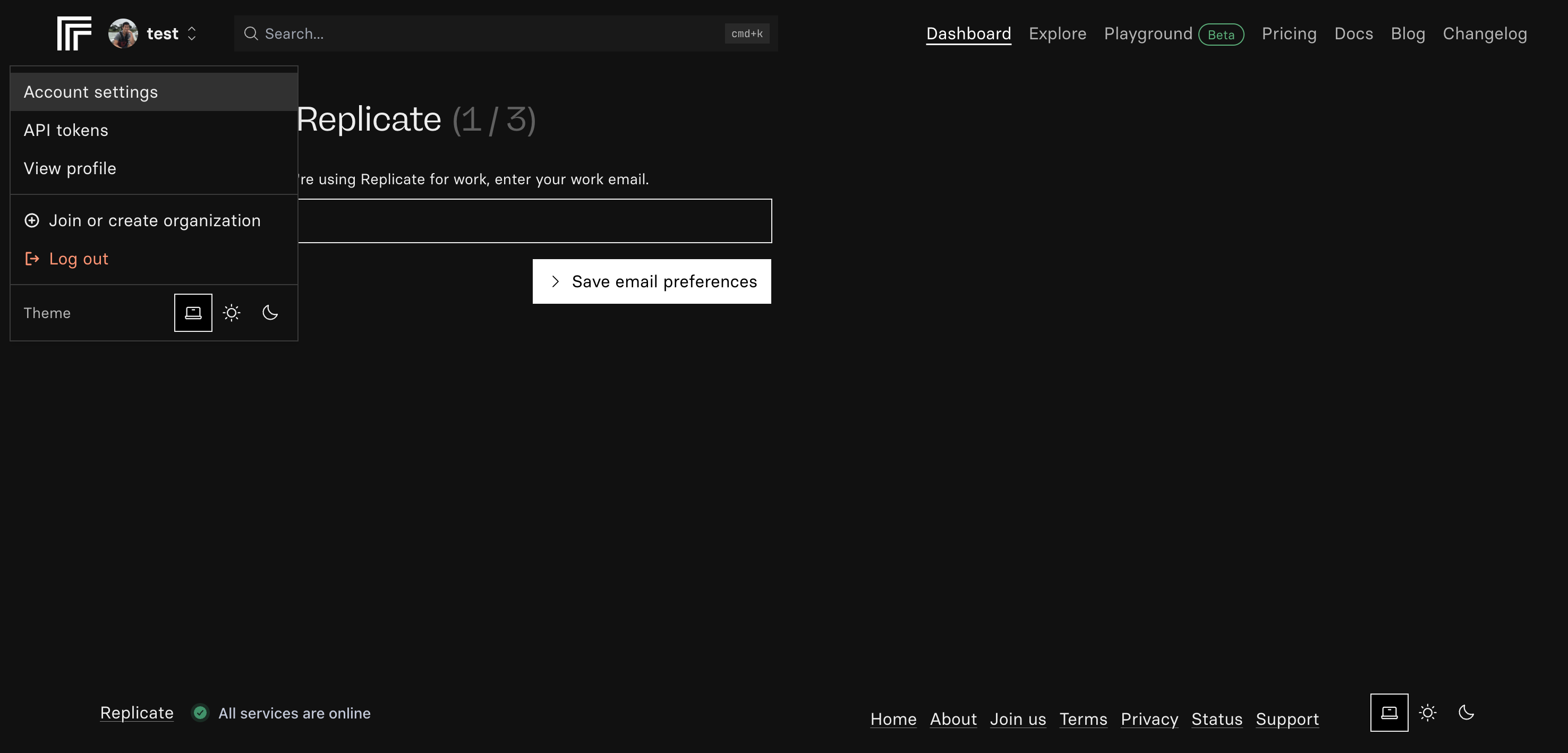
1. Click on your profile icon in the top right.
2. Select "API" from the dropdown menu.
## Generate API Key
1. Click on your profile icon in the top right.
2. Select "API" from the dropdown menu.
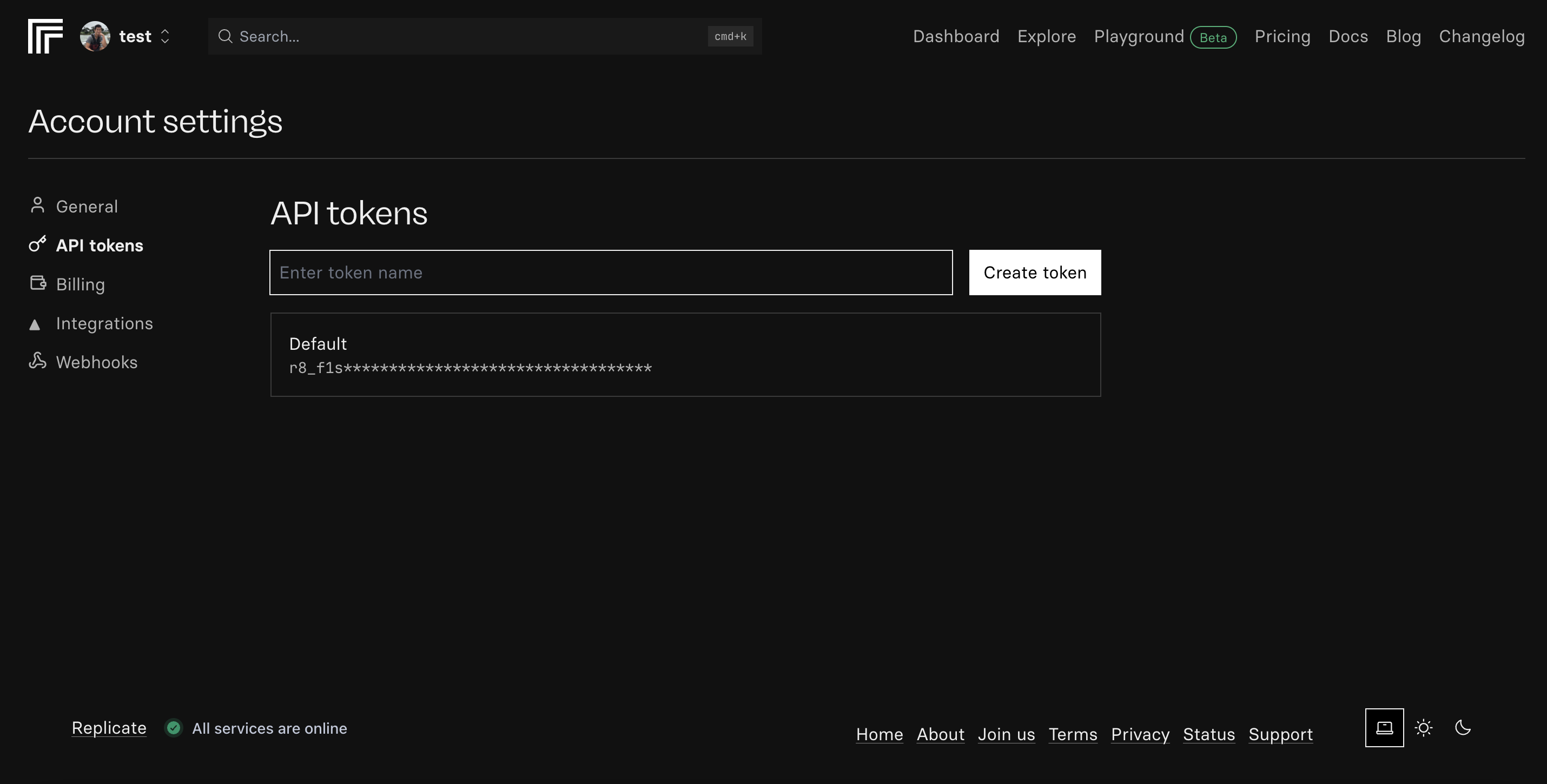
 1. Click "Create API Key."
2. Name your key (e.g., "Minimax Integration").
3. Click "Generate."
1. Click "Create API Key."
2. Name your key (e.g., "Minimax Integration").
3. Click "Generate."
 1. Copy the generated API key.
2. Store it securely - you won't be able to see it again.
Keep your API key secure - it grants access to your paid credits.
## Add to Anything project
1. In your Anything project, type `/` in chat.
2. Select "Minimax" from the menu.
1. Paste your API key into "MINIMAX\_API\_KEY."
Need new credentials? Regenerate in the Replicate Developer Portal.
Use prompts to implement Minimax features:
* `Generate videos using /Minimax`
* `Create personalized video content with /Minimax`
* `Analyze video data using /Minimax`
Ask the agent to show a helpful message if the connection fails.
Minimax integration complete! Use `/Minimax` in chat to access video generation capabilities.
1. Copy the generated API key.
2. Store it securely - you won't be able to see it again.
Keep your API key secure - it grants access to your paid credits.
## Add to Anything project
1. In your Anything project, type `/` in chat.
2. Select "Minimax" from the menu.
1. Paste your API key into "MINIMAX\_API\_KEY."
Need new credentials? Regenerate in the Replicate Developer Portal.
Use prompts to implement Minimax features:
* `Generate videos using /Minimax`
* `Create personalized video content with /Minimax`
* `Analyze video data using /Minimax`
Ask the agent to show a helpful message if the connection fails.
Minimax integration complete! Use `/Minimax` in chat to access video generation capabilities.