> ## Documentation Index
> Fetch the complete documentation index at: https://www.anything.com/docs/llms.txt
> Use this file to discover all available pages before exploring further.
# Spotify
> Access music, playlists, and user data
Spotify API provides access to millions of songs, playlists, and user listening data.
Spotify API requires a Spotify premium account
## Overview
Sign up for a Spotify Developer account
Generate your Spotify API credentials
Add your API keys to Anything's secrets
## Account Creation
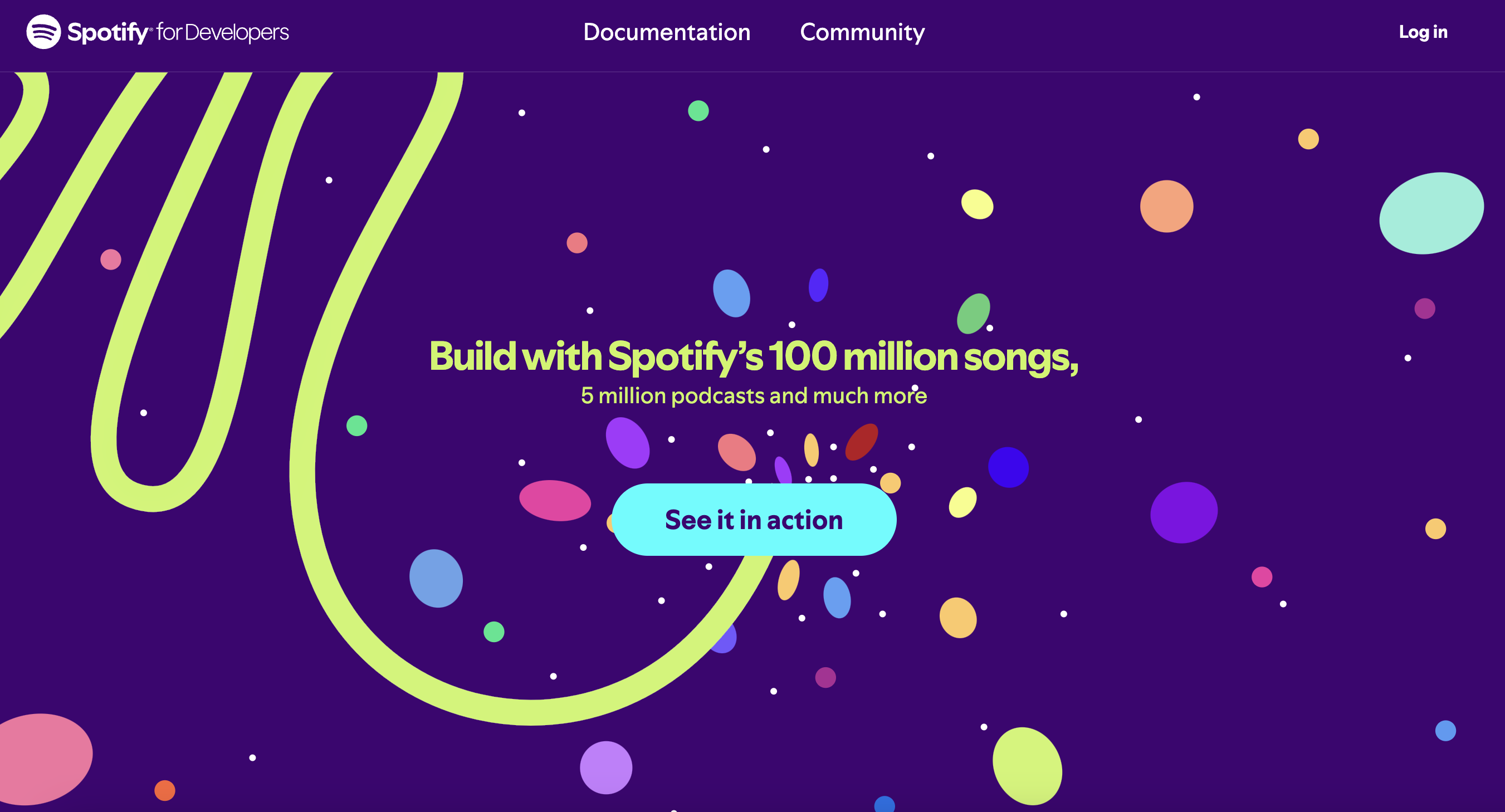
Go to [developer.spotify.com](https://developer.spotify.com/) and click "Dashboard"
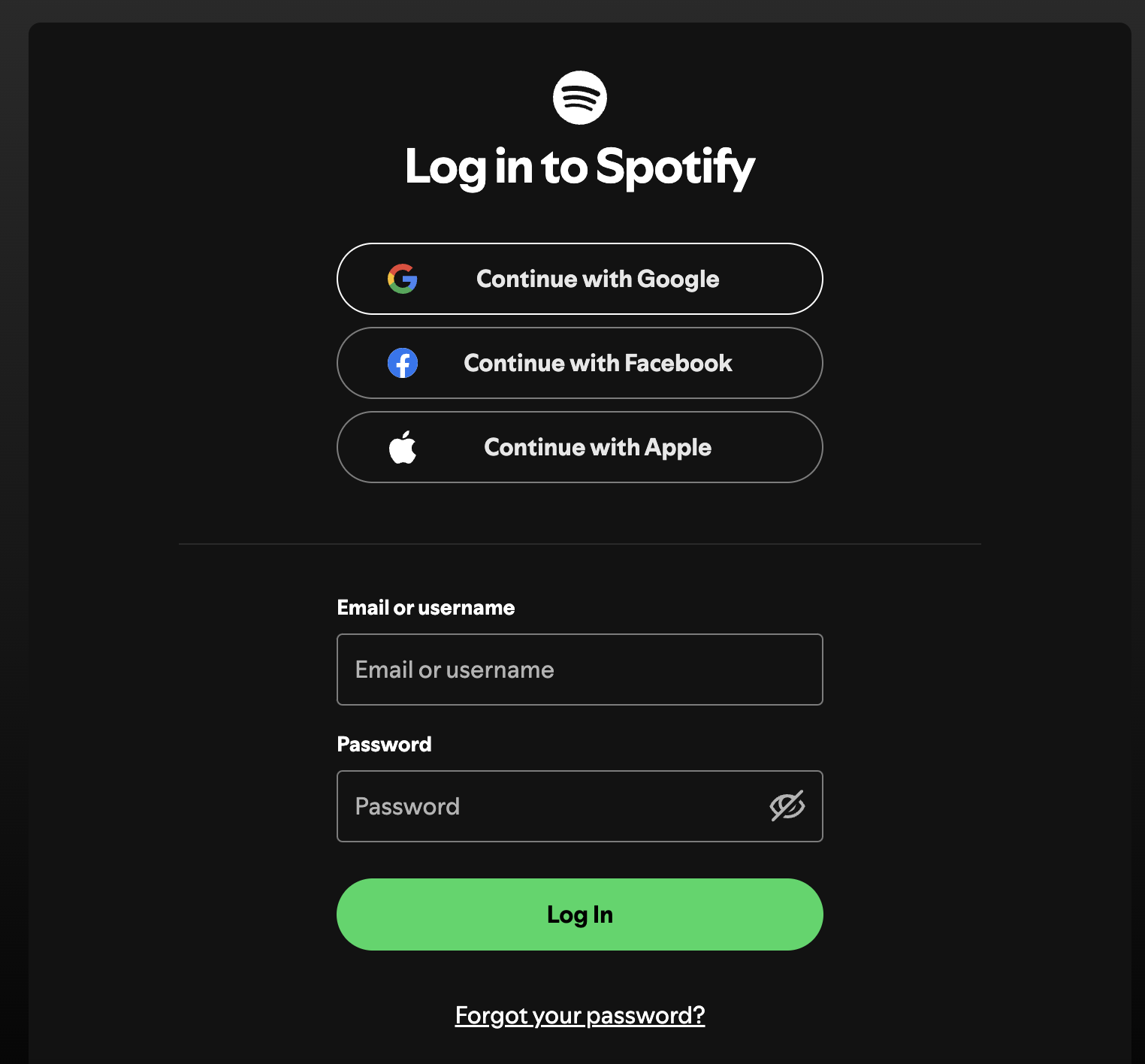
 * Log in with your Spotify account
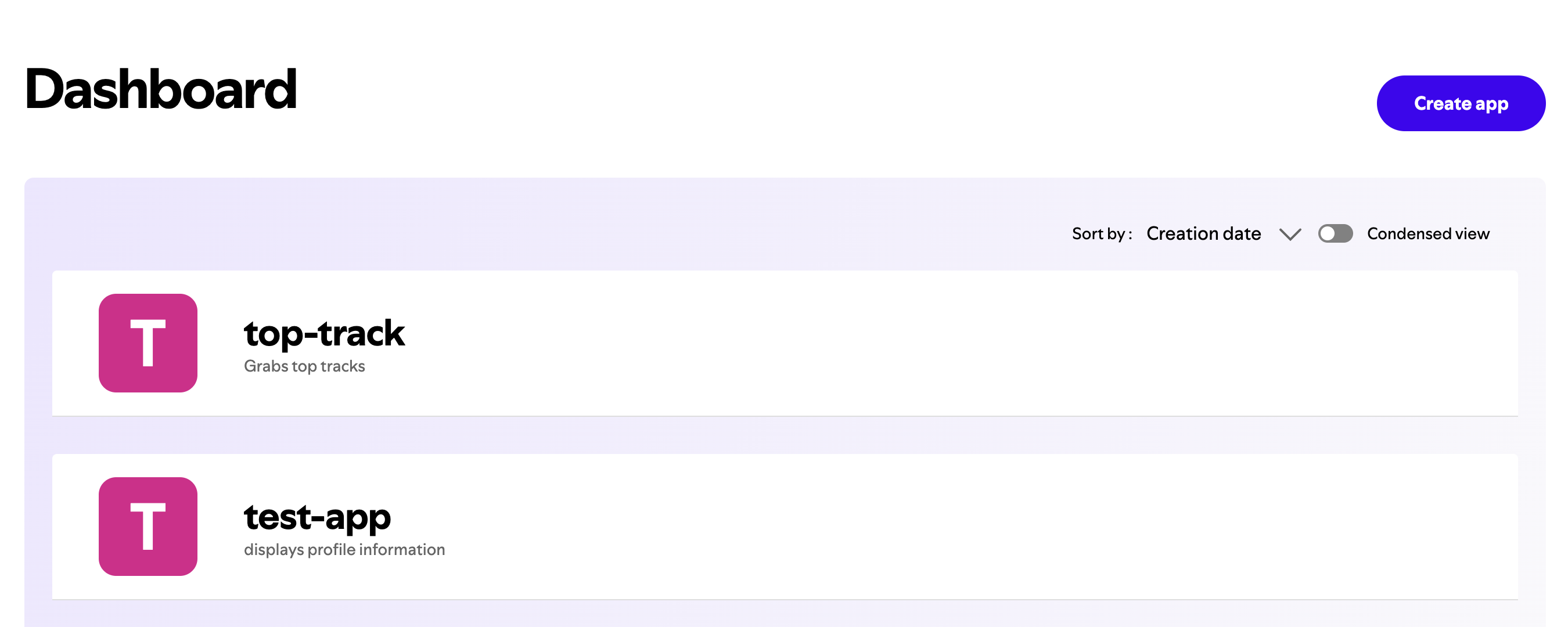
 * Click "Create App" in the dashboard
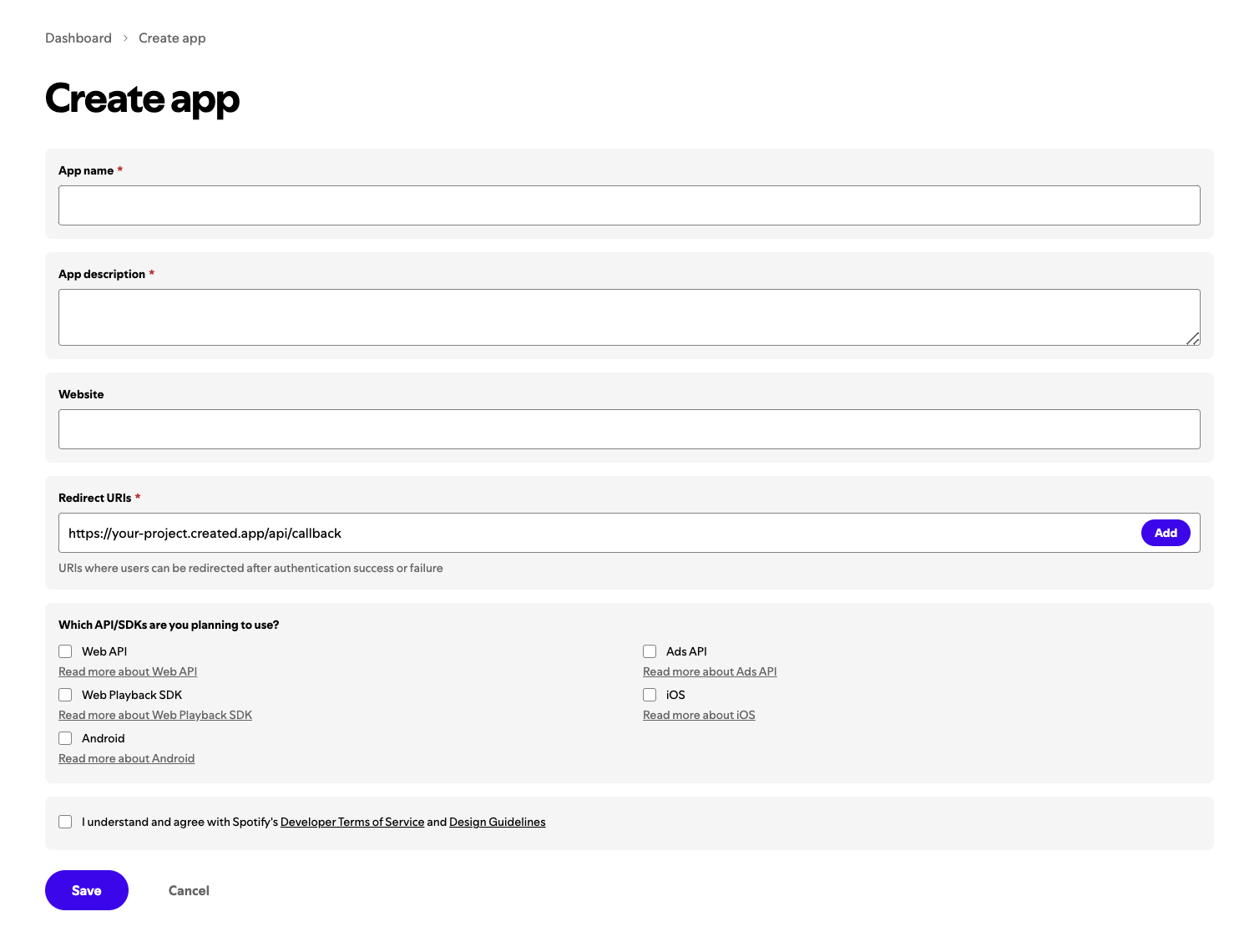
 * Fill in app name and description
* The redirect uri will be your create project live site url + /api/callback
* Fill in app name and description
* The redirect uri will be your create project live site url + /api/callback
 ## Generate API Keys
1. Go to your app settings
2. Find your Client ID and Client Secret
## Generate API Keys
1. Go to your app settings
2. Find your Client ID and Client Secret
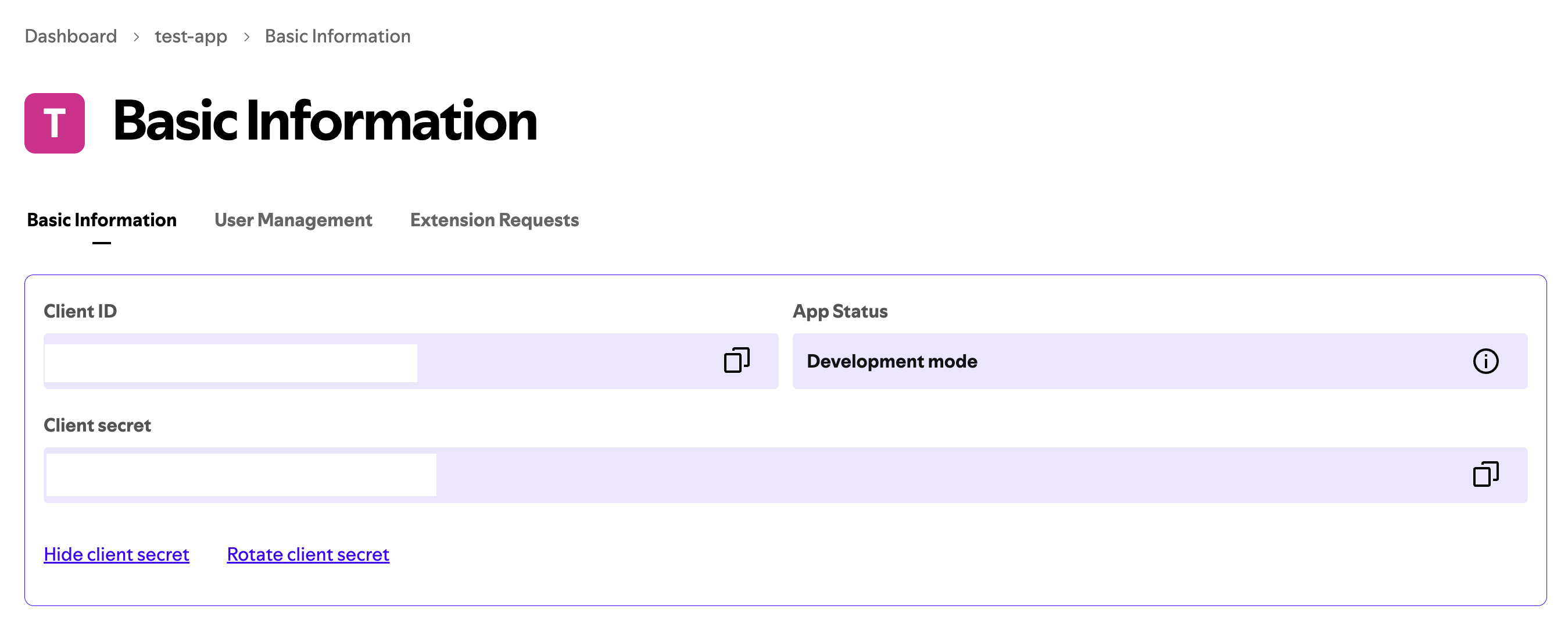 Keep your Client Secret secure and never share it
This step is only relevant if you use the Spotify User Info
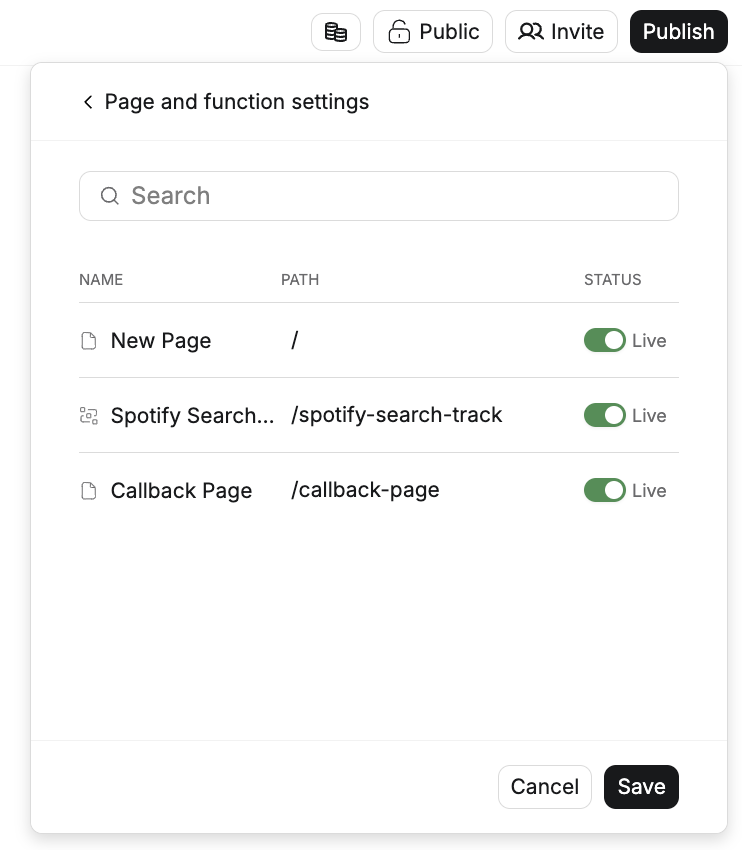
1. Be sure your project is published
2. Ensure there is a callback path in your page and functions setting
Keep your Client Secret secure and never share it
This step is only relevant if you use the Spotify User Info
1. Be sure your project is published
2. Ensure there is a callback path in your page and functions setting
 ## Add to Anything project
1. In your Anything project, type `/` in the chat
2. Select "Spotify" from the menu
1. Paste your Client ID into the "SPOTIFY\_CLIENT\_ID" field
2. Paste your Client Secret into the "SPOTIFY\_CLIENT\_SECRET" field
Need new credentials? Generate them in your Spotify Developer dashboard.
You can now use prompts with the integration to access music data.
Example prompts:
* `Get user's playlists using /Spotify`
* `Search for songs with /Spotify`
* `Create a music player using /Spotify`
The API limits how often your app can fetch data. If your app loads the same data often, ask the agent to save it locally so it doesn't re-fetch every time.
Example prompt for optimization:
```
When using /Spotify, save the track data so my app doesn't have to fetch it again
```
Your Spotify integration is ready! Use `/Spotify` in chat to access music data.
## Add to Anything project
1. In your Anything project, type `/` in the chat
2. Select "Spotify" from the menu
1. Paste your Client ID into the "SPOTIFY\_CLIENT\_ID" field
2. Paste your Client Secret into the "SPOTIFY\_CLIENT\_SECRET" field
Need new credentials? Generate them in your Spotify Developer dashboard.
You can now use prompts with the integration to access music data.
Example prompts:
* `Get user's playlists using /Spotify`
* `Search for songs with /Spotify`
* `Create a music player using /Spotify`
The API limits how often your app can fetch data. If your app loads the same data often, ask the agent to save it locally so it doesn't re-fetch every time.
Example prompt for optimization:
```
When using /Spotify, save the track data so my app doesn't have to fetch it again
```
Your Spotify integration is ready! Use `/Spotify` in chat to access music data.