
Overview
Create Account
Sign up for a RapidAPI account
Get API Key
Subscribe to Beer API and get your key
Copy into Anything
Add your API key to Anything’s secrets
Account Creation
1
Visit RapidAPI Website
Go to rapidapi.com and click “Sign Up”
2
Subscribe to Beer API
- Go to https://rapidapi.com/winevybe/api/beer9/pricing
- Select a subscription plan
- Complete the subscription process
Generate API Key
1
Access Your Dashboard
- Log in to your RapidAPI account
- Navigate to the Beer API page
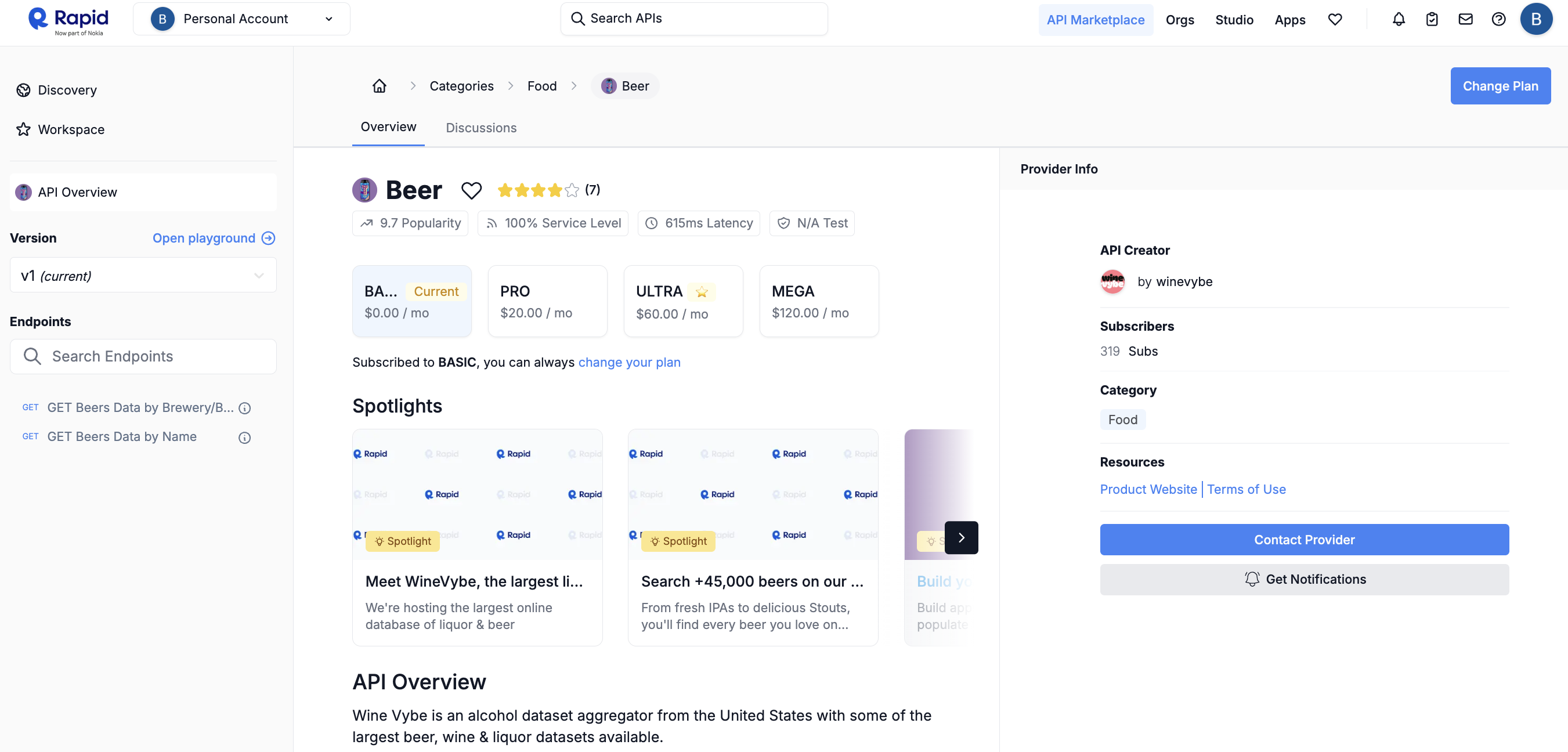
2
Get Your API Key
- Subscribe to the API if you haven’t already
- Copy your RapidAPI key from the endpoint examples
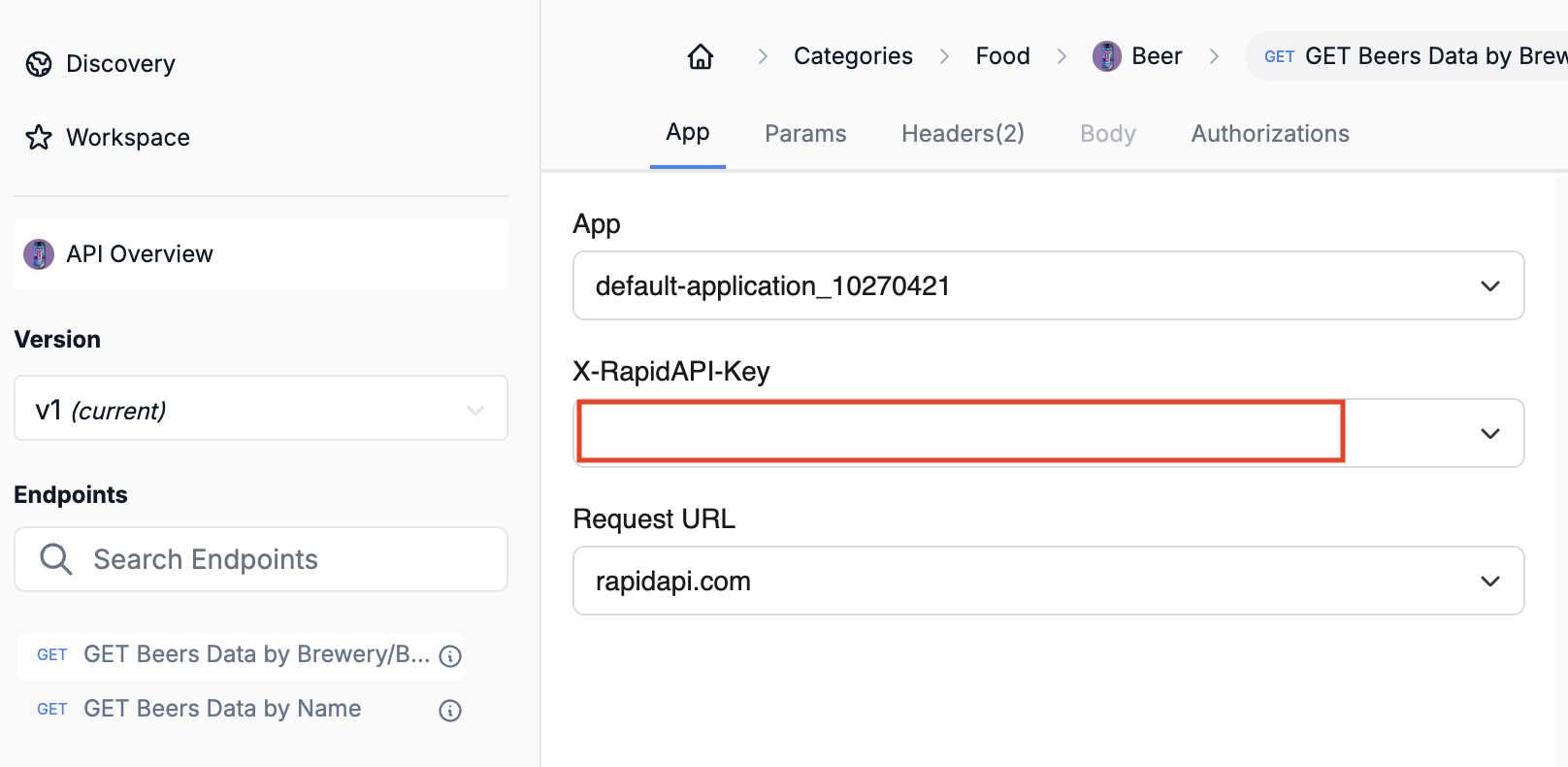
3
Secure Your API Key
- Store your API key safely
Add to Anything project
1
Add the integration
- In your Anything project, type
/in the chat - Select “Beer API” from the menu
2
Add your API key
- Paste your RapidAPI key into the “RAPID_API_KEY” field
3
Use it
You can now use prompts with the integration to access beer data.Some examples:
Search for beers by name using /BeerAPIGet brewery information with /BeerAPIBuild a beer recommendation app using /BeerAPI