
Preview vs. publish
Preview opens your app in a browser so you can test it before going live. Click the external link icon in the URL bar to open a preview. Only you can see it. Publish deploys your app to a permanent public URL. Anyone with the link can visit it.Web
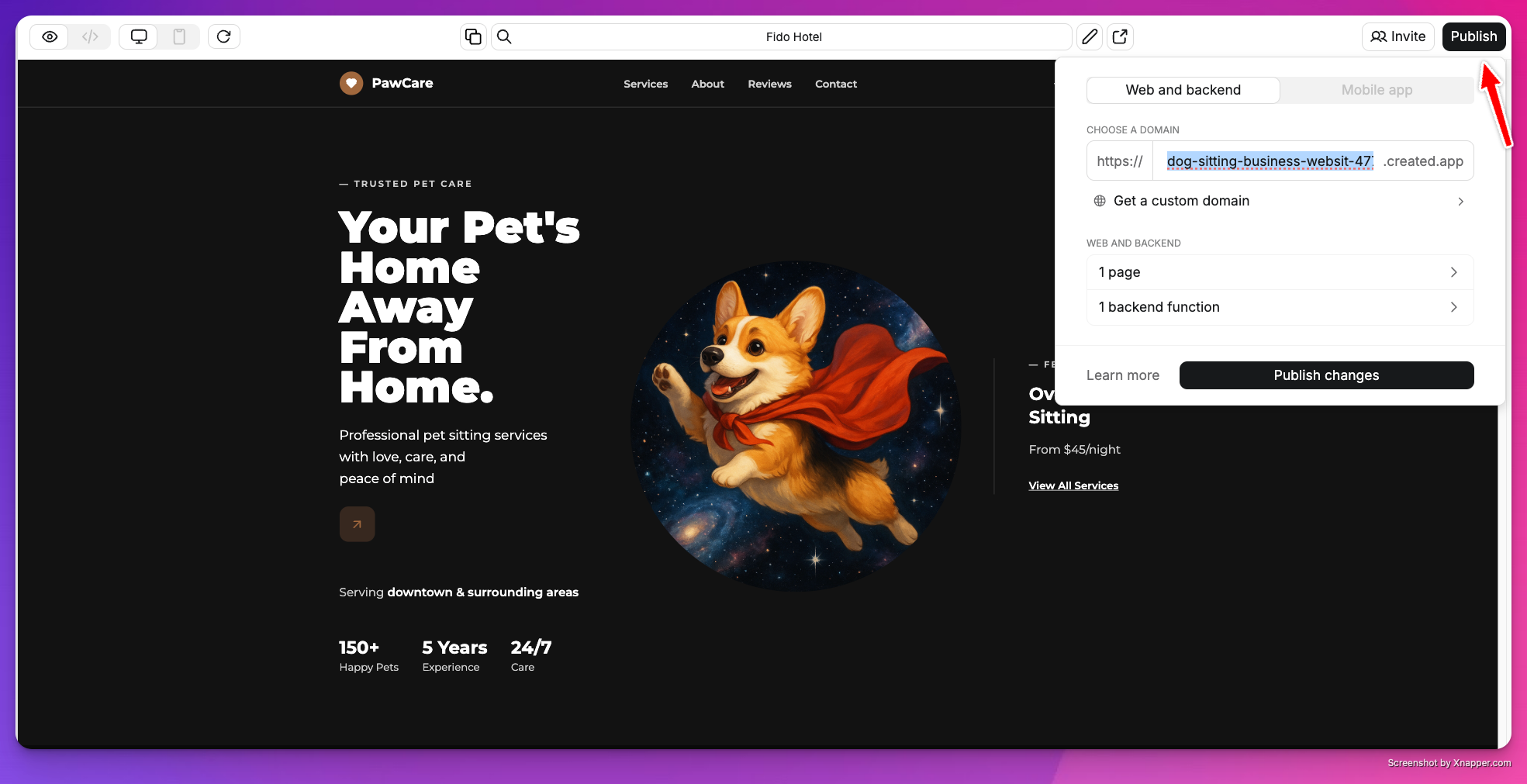
The publish dialog for a web app
- Click Publish in the top right
- Choose your
.created.appsubdomain - Select the pages and functions to include
- Set routes for each page
- Click Publish
yourslug.created.app.
Mobile
Publishing a mobile app submits it to the App Store through TestFlight or to Google Play’s internal testing track. If your app uses backend functions or a database, check Also publish web and backend in the publish dialog so your live app works correctly. See Submit to App Store or Submit to Play Store for the full walkthrough.Routes and URLs
Routes control how users reach each page:/is your homepage/about,/contact, etc. for additional pages
Social previews
Control how your app looks when shared on social media. See Branding & SEO for setup.Domains
Every app gets a freeyourapp.created.app subdomain. Pro plans can connect a custom domain. See Domains for setup.
Branding
Projects on the free plan show a “Made with Anything” badge. Paid plans remove it. See Branding & SEO for details.Availability
Published URLs are public to anyone with the link. Use User Accounts to restrict access to signed-in users.Unpublish
To take your app offline, go to Project Settings → Danger Zone → Unpublish. This removes your app from its public URL. Your project and all its data stay intact — you can republish at any time.Database changes
When you publish, Anything syncs your test database to your live database. If there are changes (new tables, columns, etc.), you’ll see an approval dialog listing what will change. Review the list and click Approve to continue. If the dialog isn’t responding, refresh the page and try again. See Databases for more.Troubleshooting
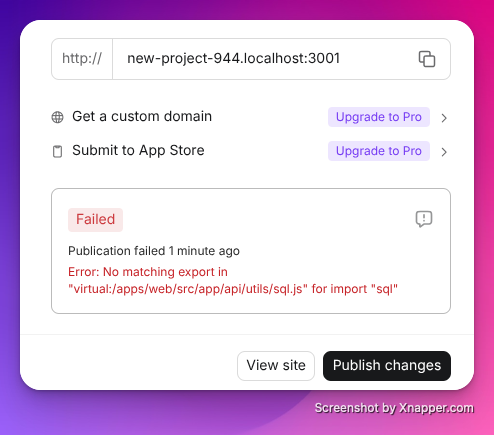
A failed publish with error details