
Building
How do I create a new page, component, or element?
How do I create a new page, component, or element?
How do I add AI to my app?
How do I add AI to my app?
Can I add databases?
Can I add databases?
How do I connect to an external API?
How do I connect to an external API?
How do I add user accounts to my app?
How do I add user accounts to my app?
Can I build apps from my phone?
Can I build apps from my phone?
What language does Anything write in?
What language does Anything write in?
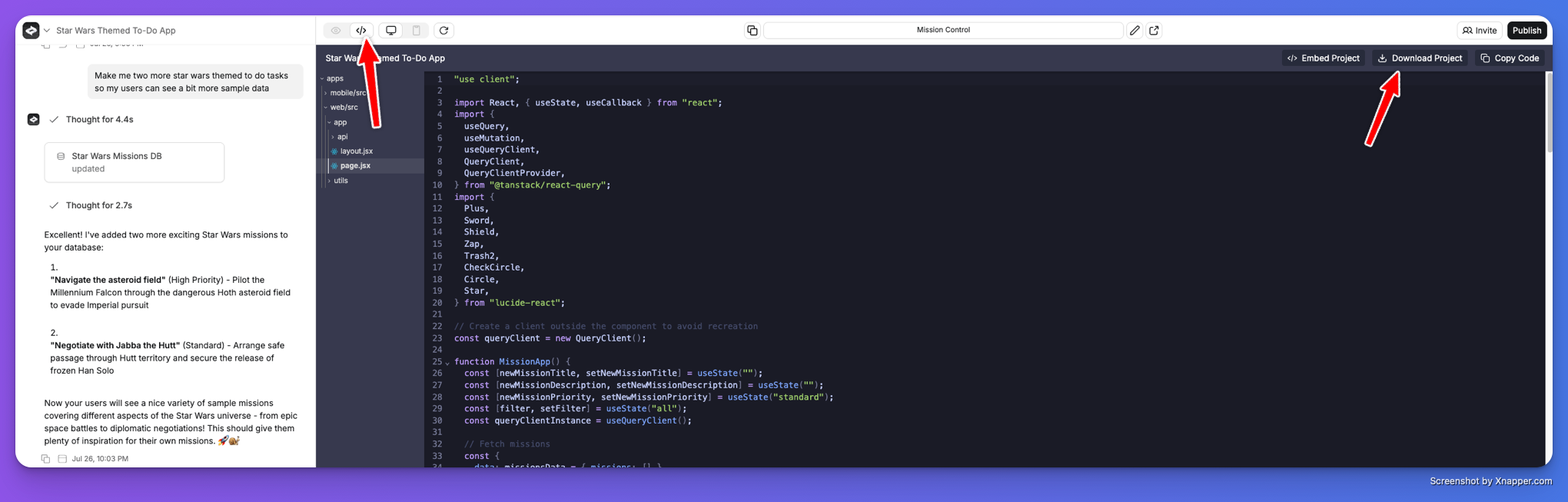
Can I export the code?
Can I export the code?
AI models
Which AI models does Anything use?
Which AI models does Anything use?
Do I own the code Anything generates?
Do I own the code Anything generates?
Hosting and publishing
Can I host my app on Anything?
Can I host my app on Anything?
How do I publish to iOS or Android?
How do I publish to iOS or Android?
How do I verify my Apple Developer Account?
How do I verify my Apple Developer Account?
Payments
How do I collect payments?
How do I collect payments?
Can I accept crypto payments?
Can I accept crypto payments?
Plans and account
What's the difference between Pro and Max?
What's the difference between Pro and Max?
I upgraded my plan but my credits didn't update
I upgraded my plan but my credits didn't update
I accidentally deleted something. Can I get it back?
I accidentally deleted something. Can I get it back?
I want to delete my account
I want to delete my account
Do you have promo codes or student discounts?
Do you have promo codes or student discounts?
Is Anything GDPR compliant? Who owns my code and data?
Is Anything GDPR compliant? Who owns my code and data?
Can I import a Figma design?
Can I import a Figma design?
Troubleshooting
How do I fix an error?
How do I fix an error?
I found a bug. Where do I report it?
I found a bug. Where do I report it?
Company
Are you hiring?
Are you hiring?
Why are you building this?
Why are you building this?