
Overview
Create Account
Sign up for a FindWork account.
Get API Key
Generate your FindWork API key.
Connect to Anything
Add your API key to Anything’s secrets.
Account Creation
1
Visit FindWork's Website
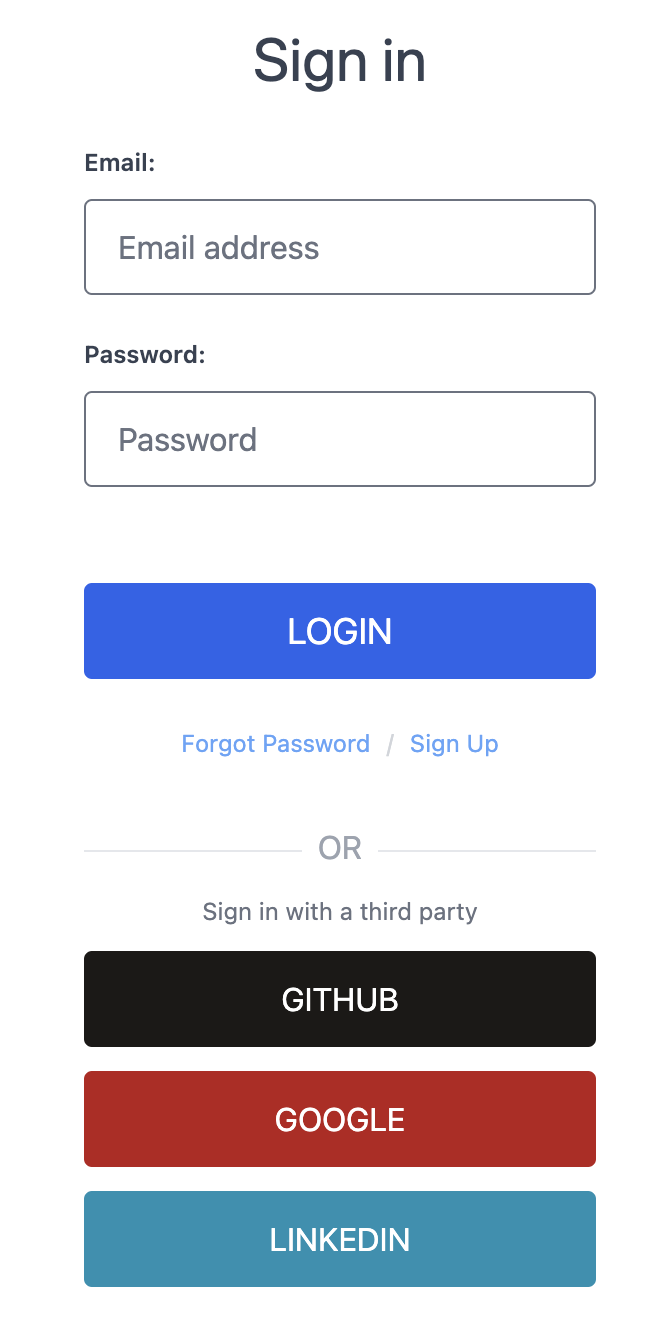
Go to findwork.dev/developers/ and “Sign Up”
2
Choose Signup Method
- Sign up with email/password.
- Or continue with social media authentication.
Generate API Key
1
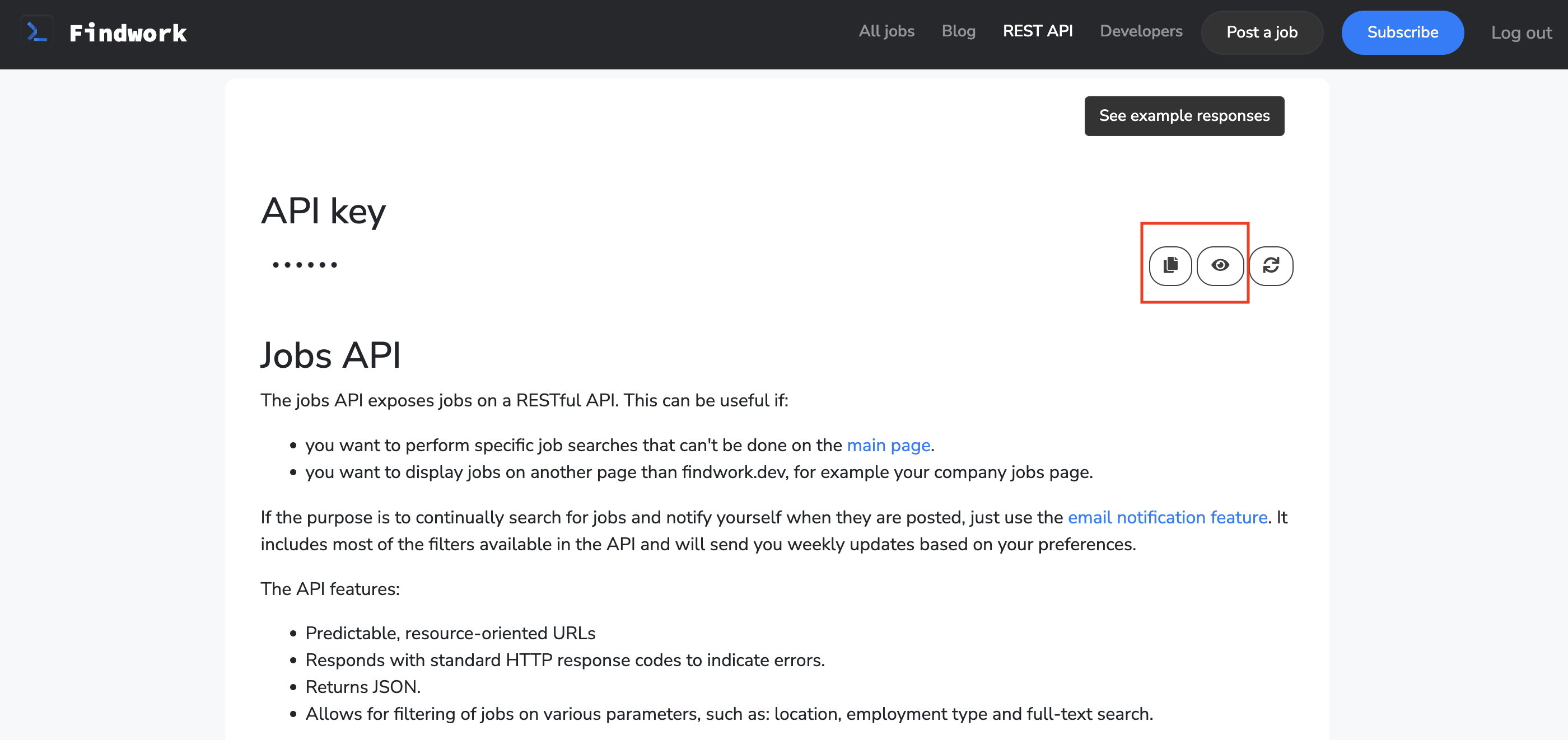
Copy Your Key
- Copy the generated API key.
- Store it securely - you won’t be able to see it again.
Add to Anything project
1
Add the Integration
- In your Anything project, type
/in chat. - Select “FindWork” from the menu.
2
Add Your API Key
- Paste your API key into “FINDWORK_API_KEY.”
3
Start Using
You can now use prompts with the integration to access job listings and freelance opportunities.Example prompts:
Search for jobs in my area using /FindWorkGet details about a specific job listing using /FindWorkCreate a job board app with /FindWork