
Getting the embed code
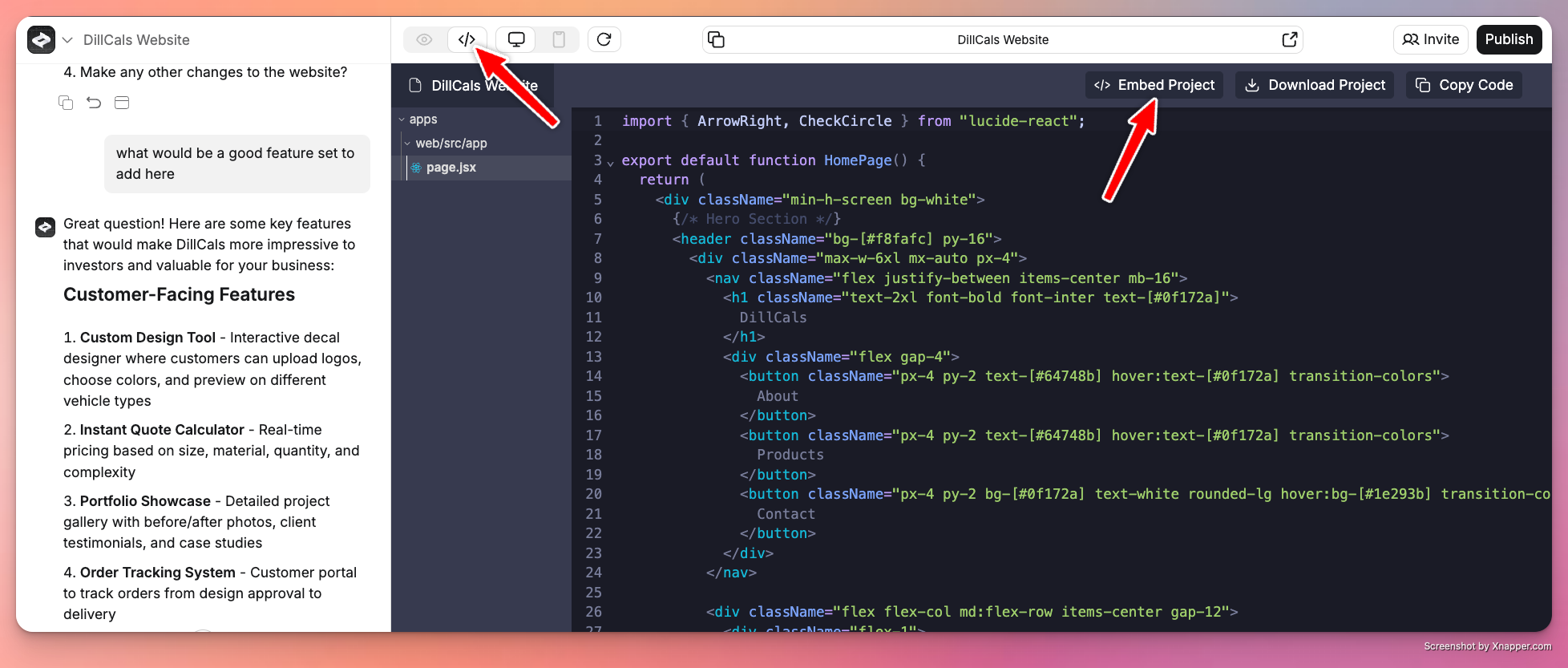
Get your app’s embed code in two steps:- Open your project and change to Code View
- Select Embed Project and copy the iframe HTML code
Adding to WordPress
Here’s how to add your app to a WordPress.org site:1
Access embed code
- Open your project and change to Code View
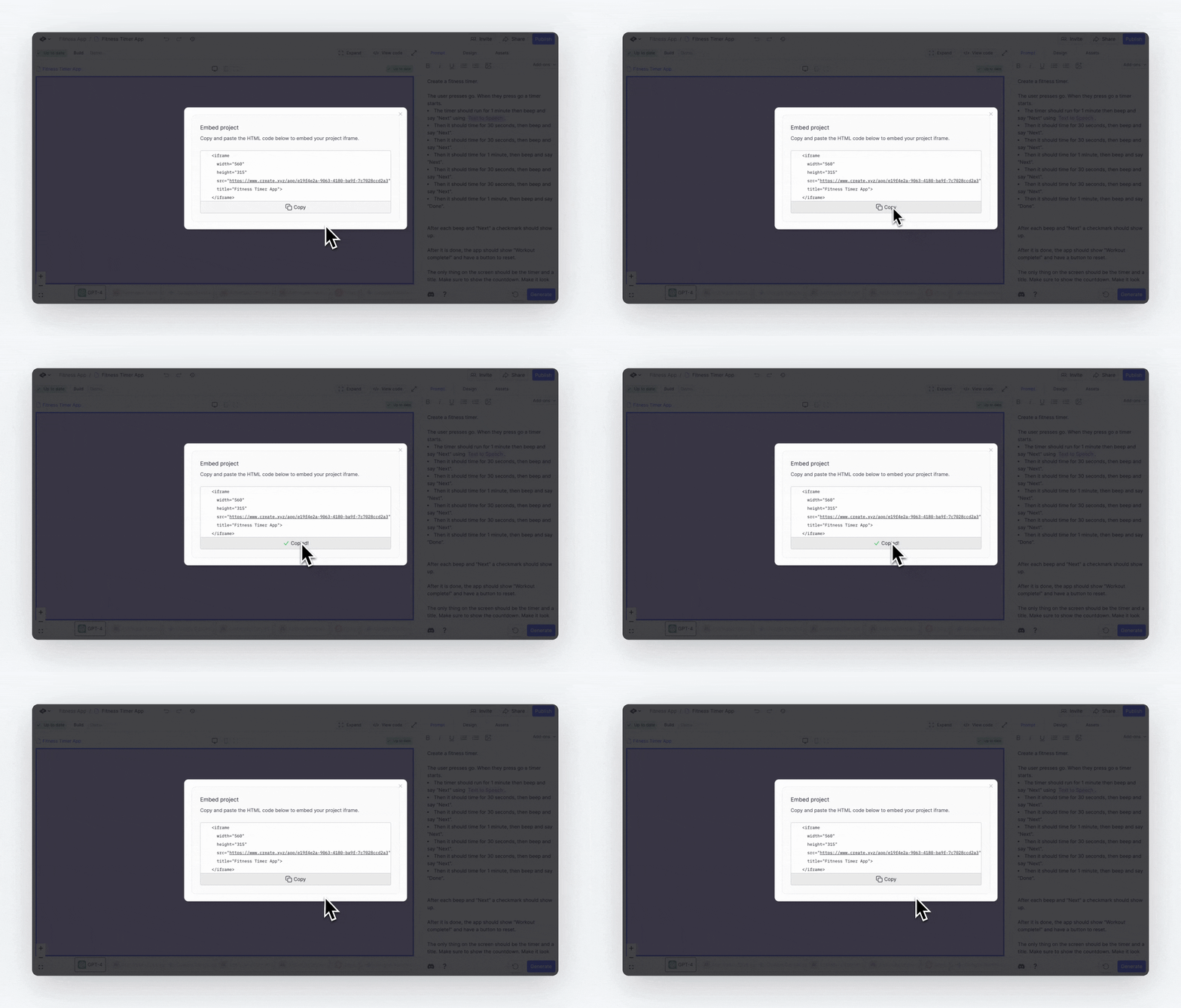
- Click on Embed Project
2
Copy iframe code
3
Add HTML block
Inside your WordPress site, add an HTML block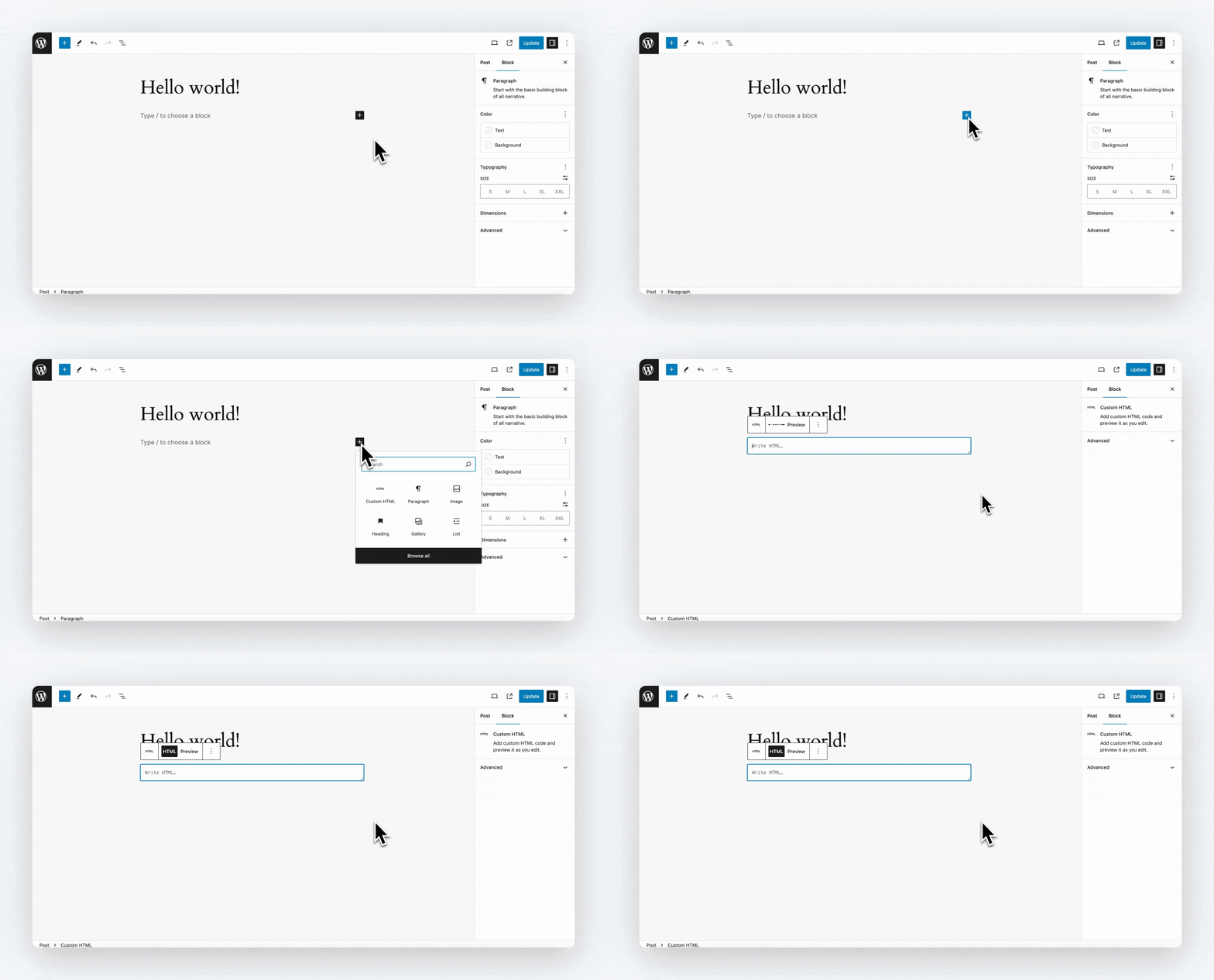
4
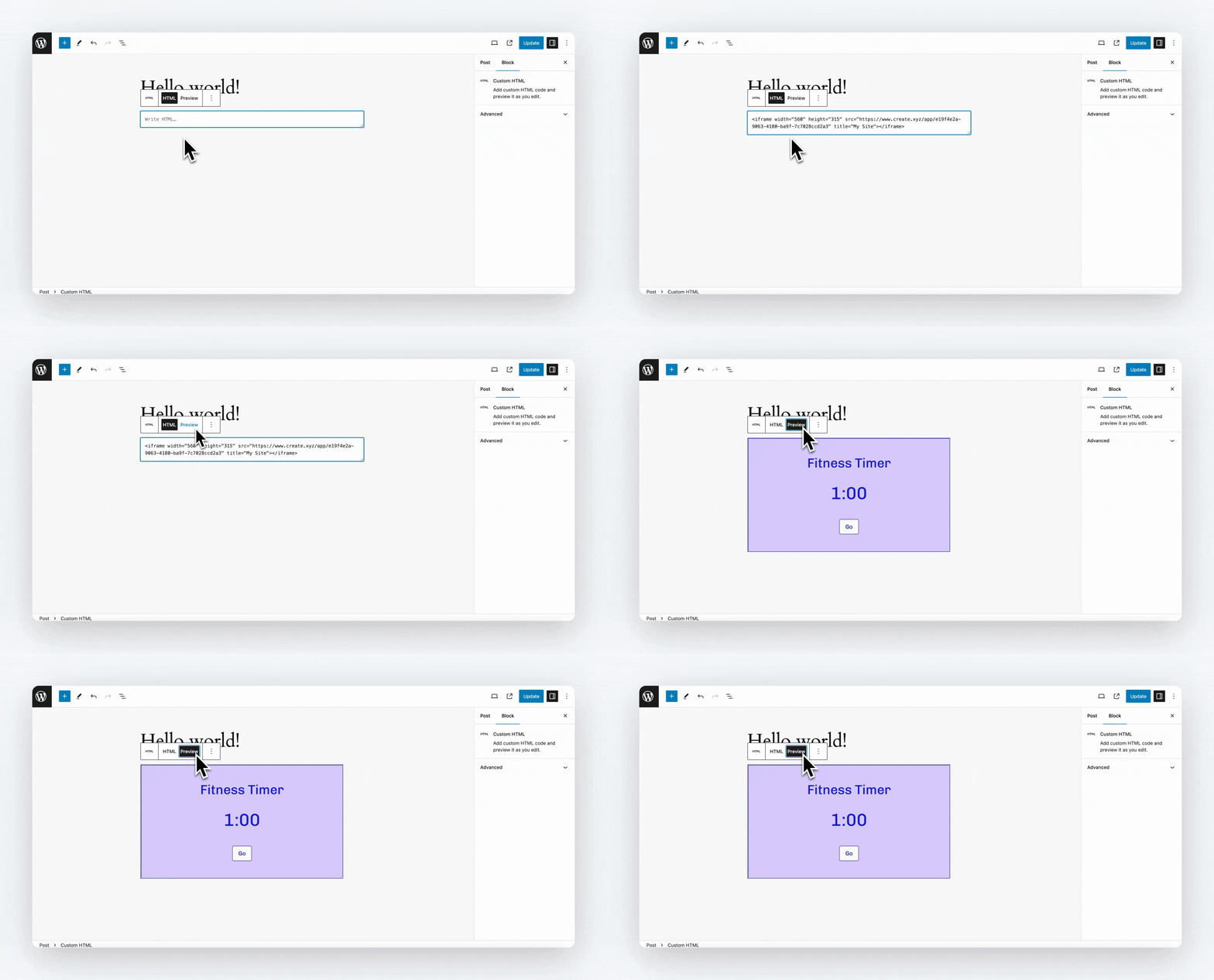
Paste iframe code
5
Adjust dimensions
Modify the height and width as needed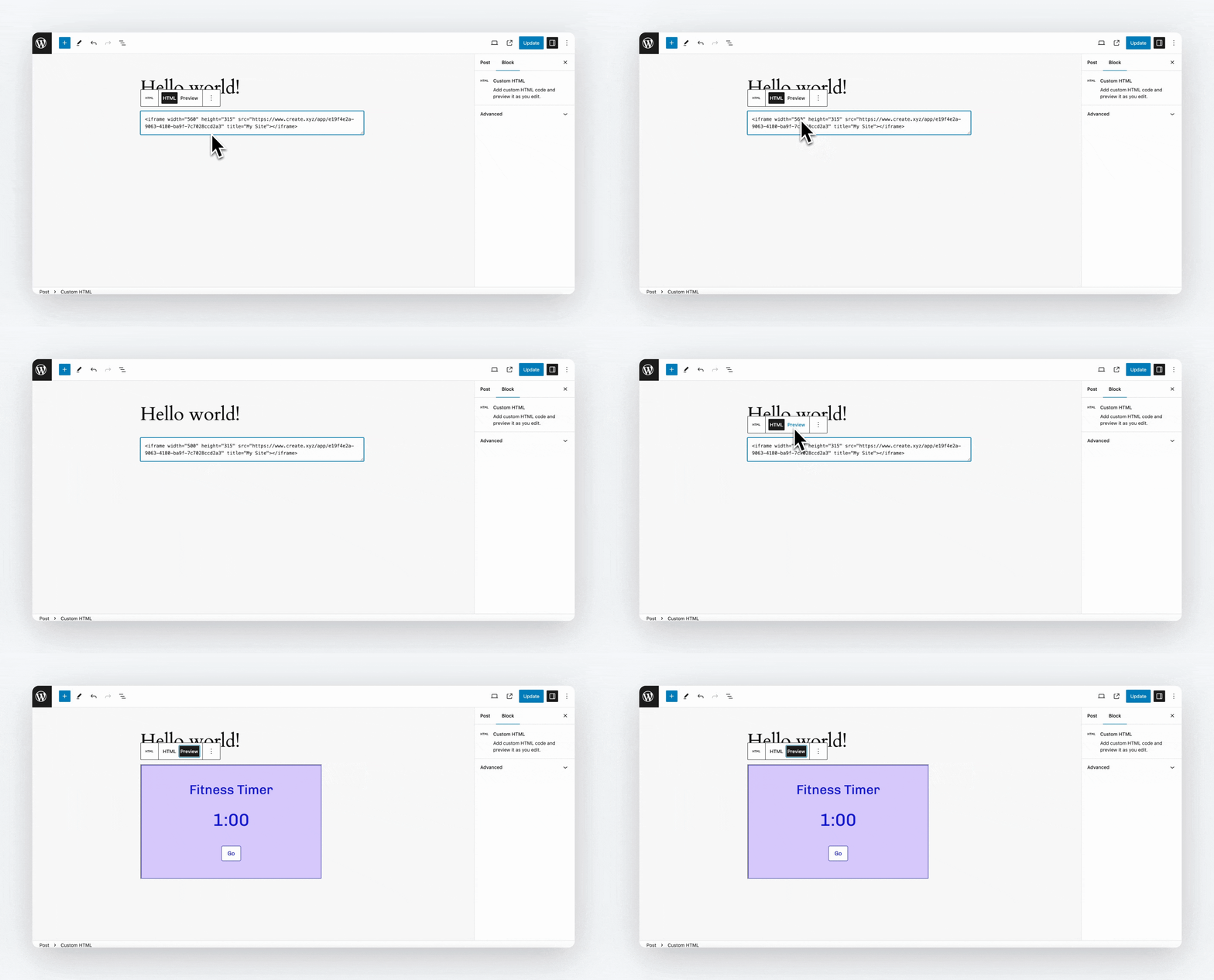
Customizing the embed
You can modify how your app appears:- Change
widthandheightin the iframe code - Set a custom
titlefor accessibility - Add CSS classes for styling
Example code
If you are working with a wordpress.com site, you may need to use a plugin to get the iframe to display.