IPstack API provides accurate IP geolocation data, including location, timezone, and connection details, perfect for building location-aware applications.
Paste your API key into the “IPSTACK_API_KEY” field
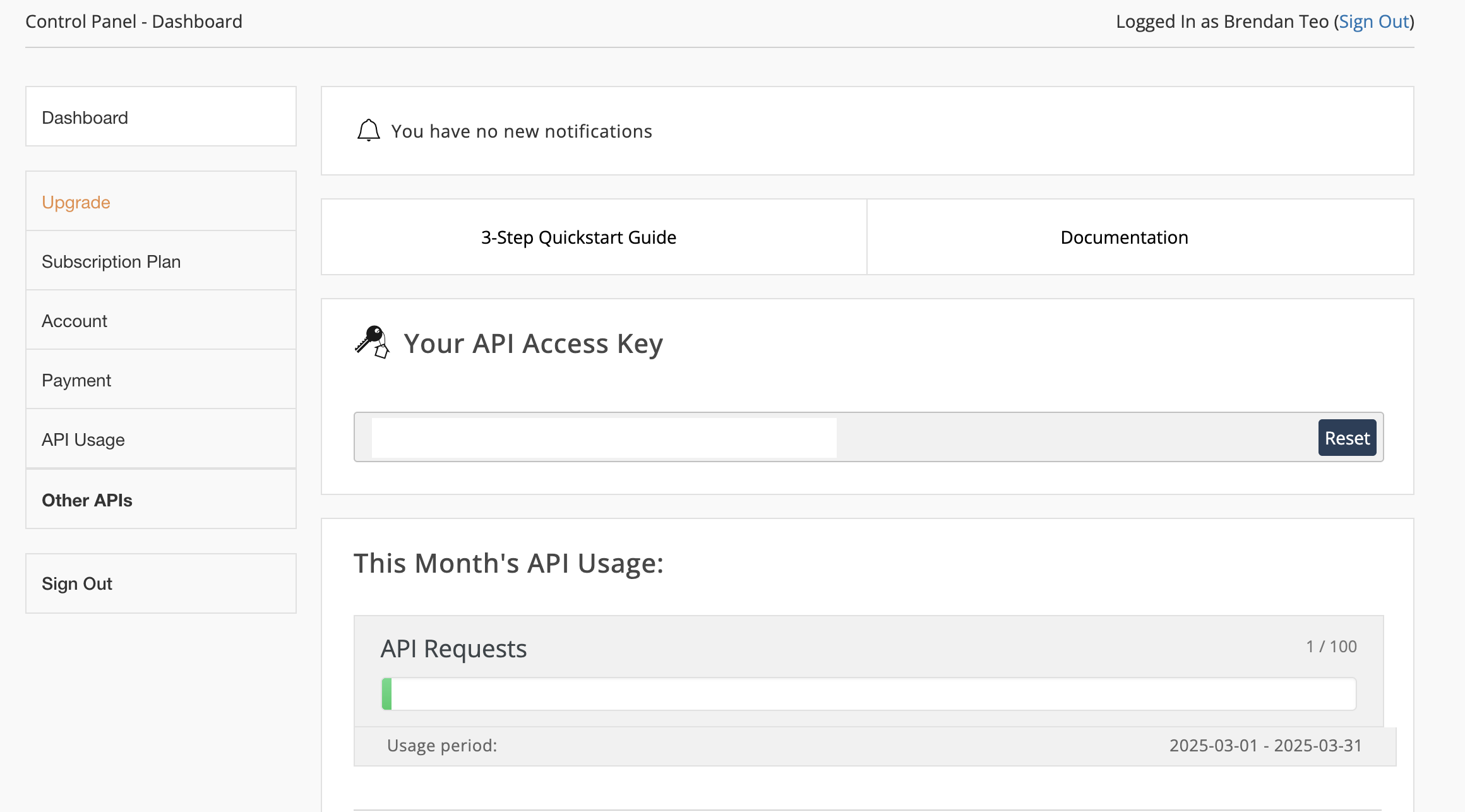
Need a new key? Find it in your IPstack dashboard.
3
Use it
You can now use prompts with the integration to access IP geolocation data.Some examples:
Get location data for an IP using /IPstack
Create a visitor tracking system with /IPstack
Build a location-based service using /IPstack
The API limits how often your app can fetch data. If your app loads the same data often, ask the agent to save it locally so it doesn’t re-fetch every time.
Example prompt for optimization:
When using /IPstack, save the geolocation data so my app doesn't have to fetch it again
Your IPstack integration is now ready! Use the /IPstack command in chat to access IP geolocation data.
Was this page helpful?
⌘I
Assistant
Responses are generated using AI and may contain mistakes.