
Overview
Create Account
Sign up for a Ko-fi account
Access Webhook Settings
Navigate to your webhook settings in Ko-fi
Copy Webhook URL
Add your webhook URL to receive notifications
Account Creation
1
Visit Ko-fi Website
Go to ko-fi.com/ and click “Sign Up” in the top right corner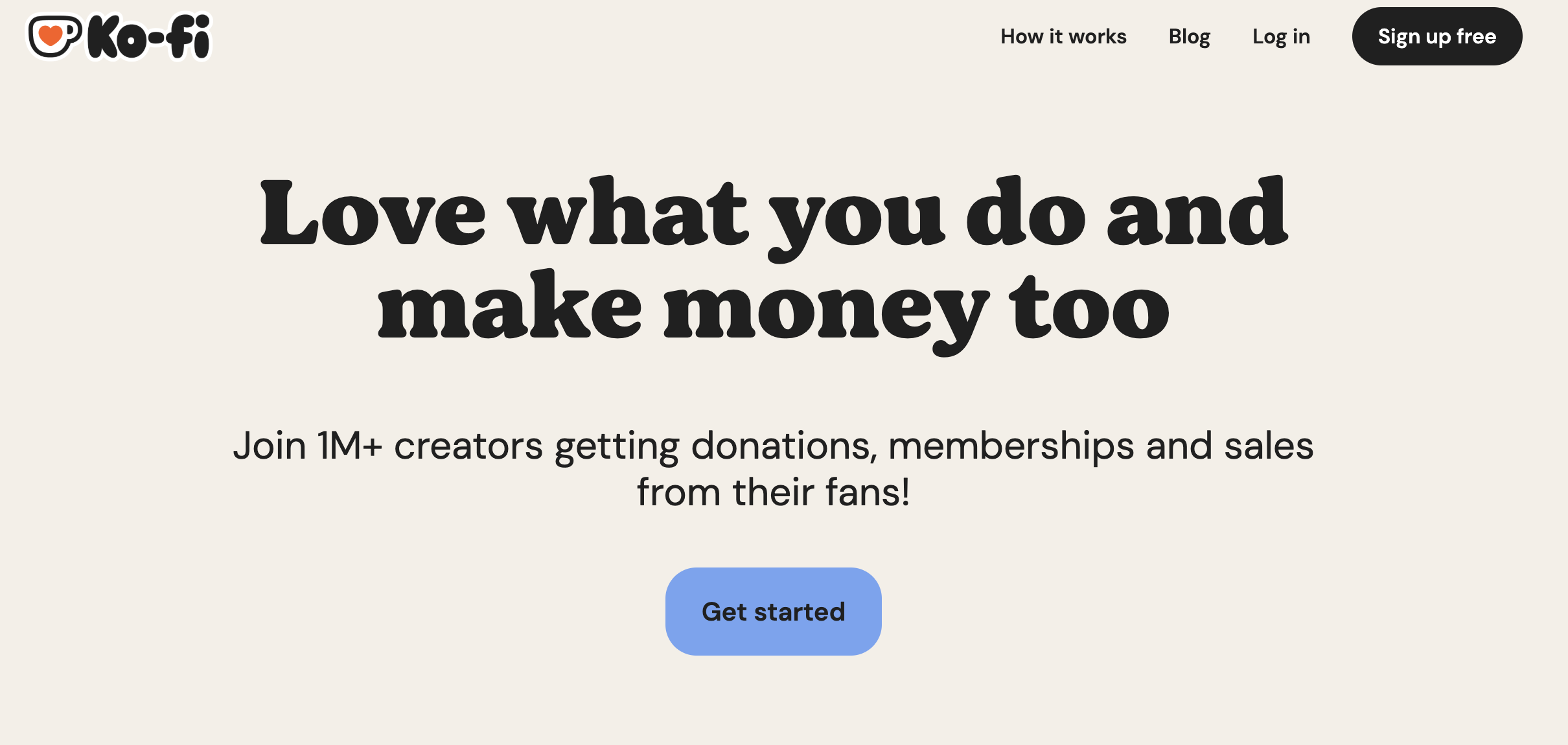
2
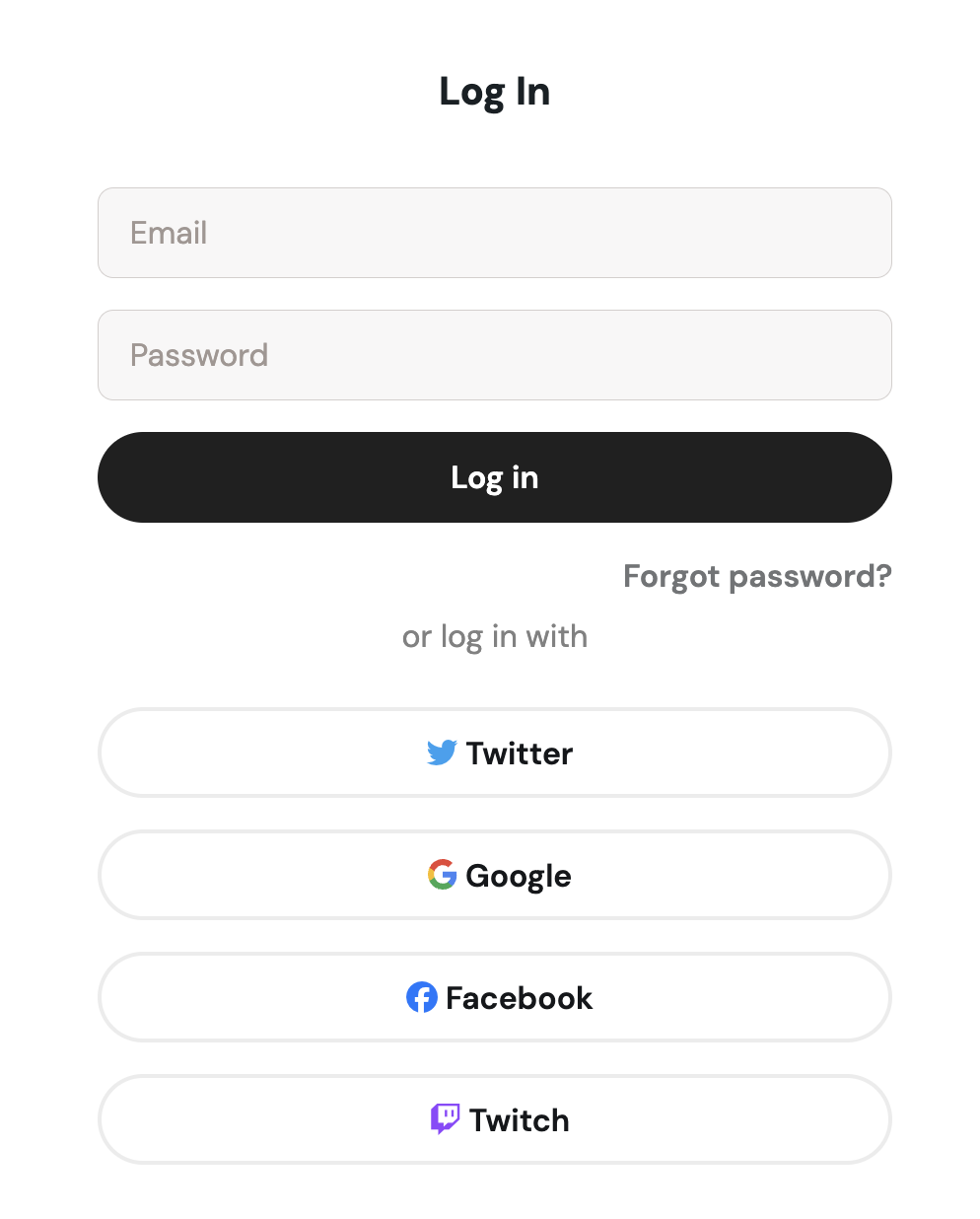
Choose Signup Method
- Sign up with email/password
- Or continue with social media authentication
Access Webhook Settings
1
Navigate to Webhooks
Create New Webhook
1
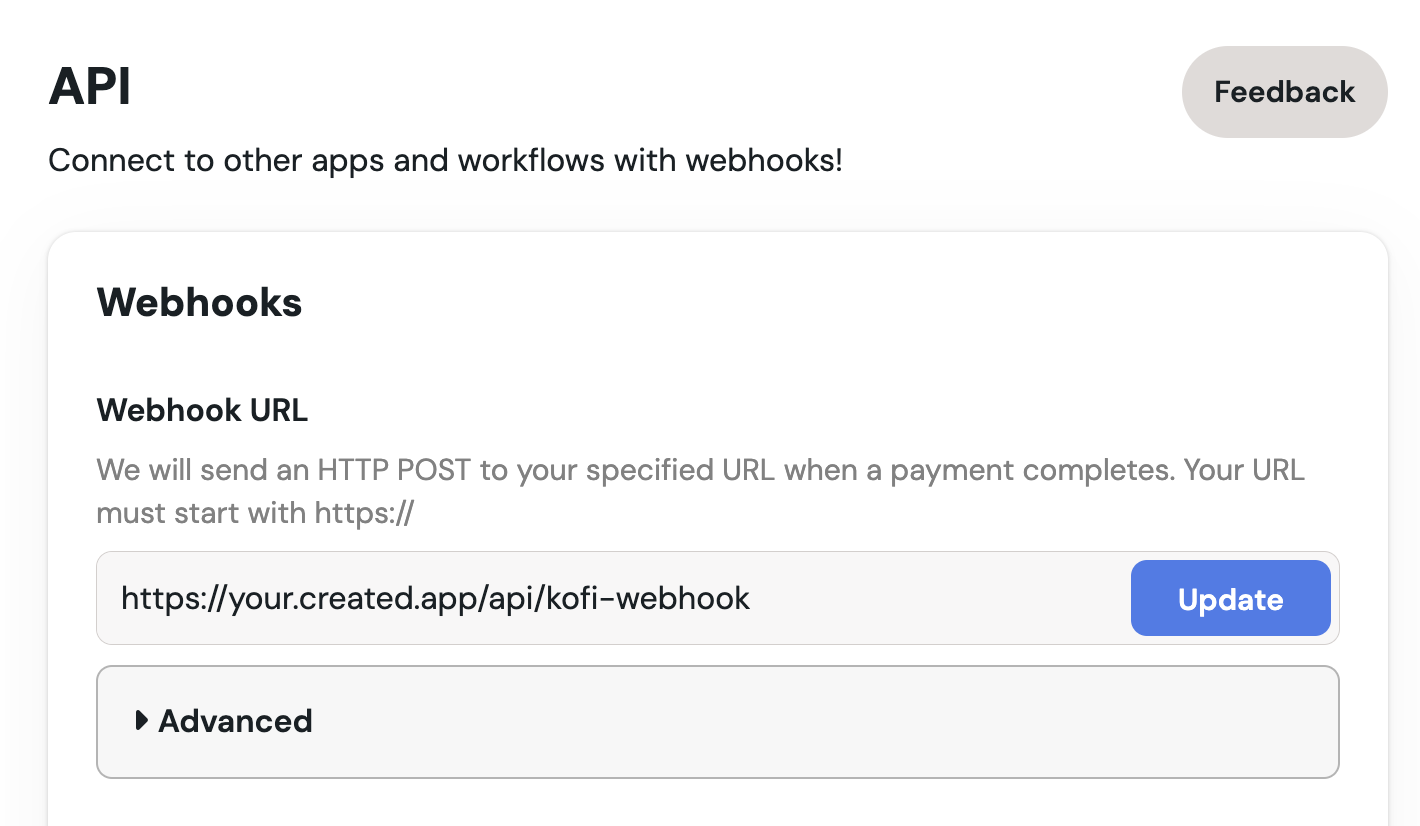
Add Your Webhook URL
- Enter your webhook URL where you want to receive notifications
- Select the events you want to subscribe to (e.g., new donations, memberships)
2
Save Your Webhook
- Click “Save” to create your webhook
Test Your Webhook
1
Send a Test Notification
- Scroll down to find different “Send Test” buttons in the webhook settings to verify your setup
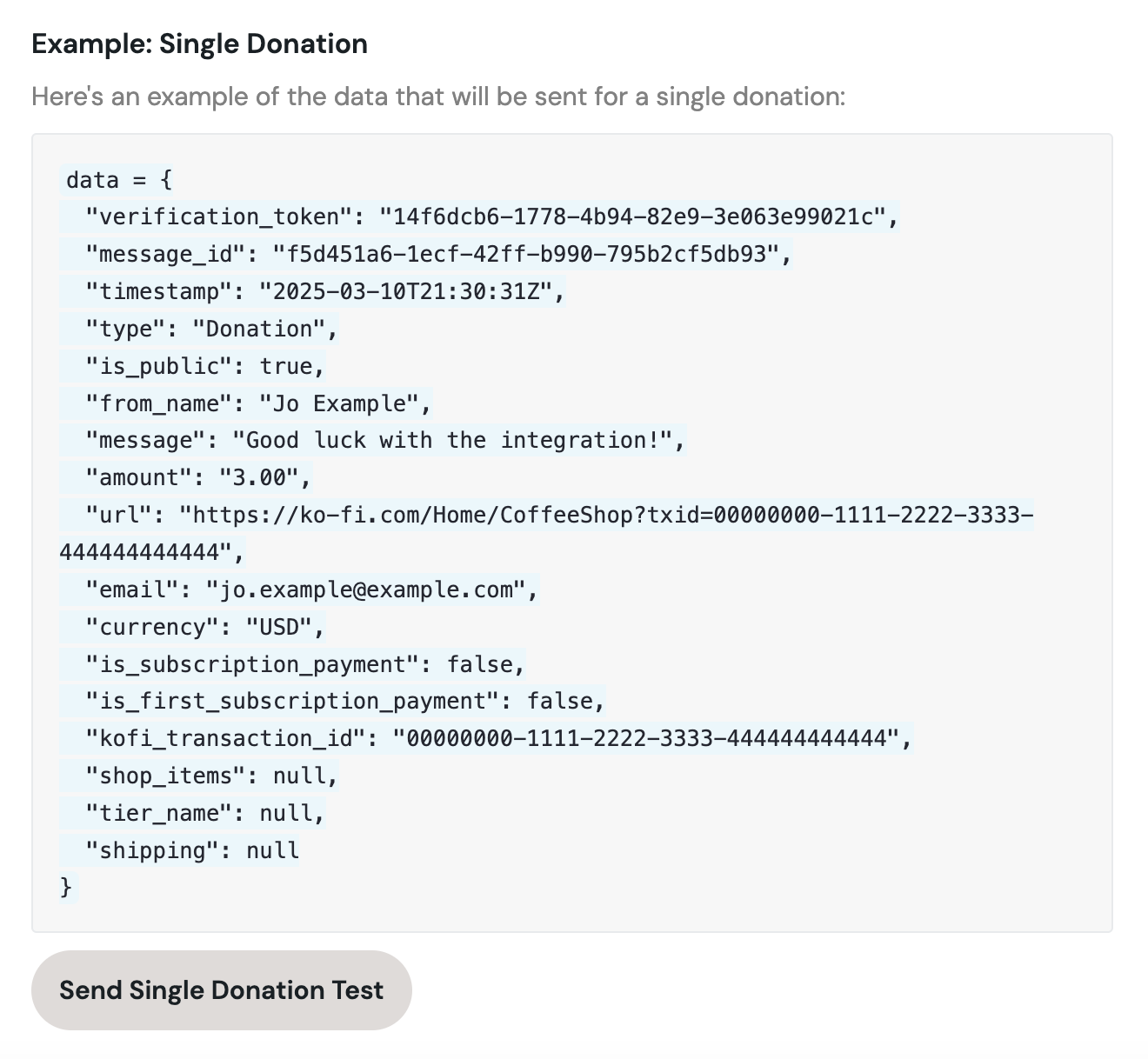
- Check your server logs to confirm receipt of the test notification