
Overview
Create Account
Sign up for a MovieDB account
Get API Key
Generate your MovieDB API key
Connect to Anything
Add your API key to Anything’s secrets
Account Creation
1
Visit MovieDB Website
Go to themoviedb.org and click “Join TMDb”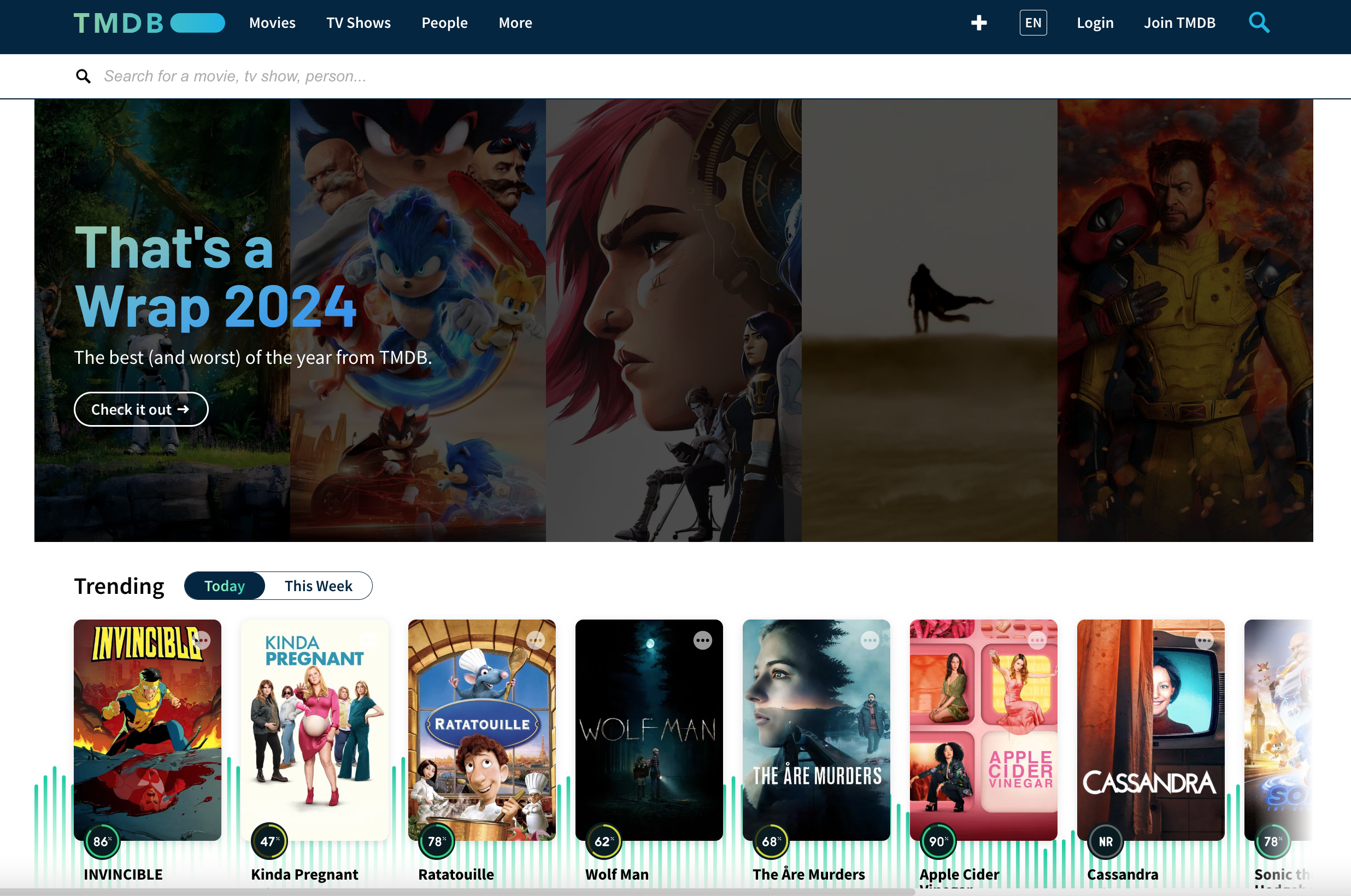
2
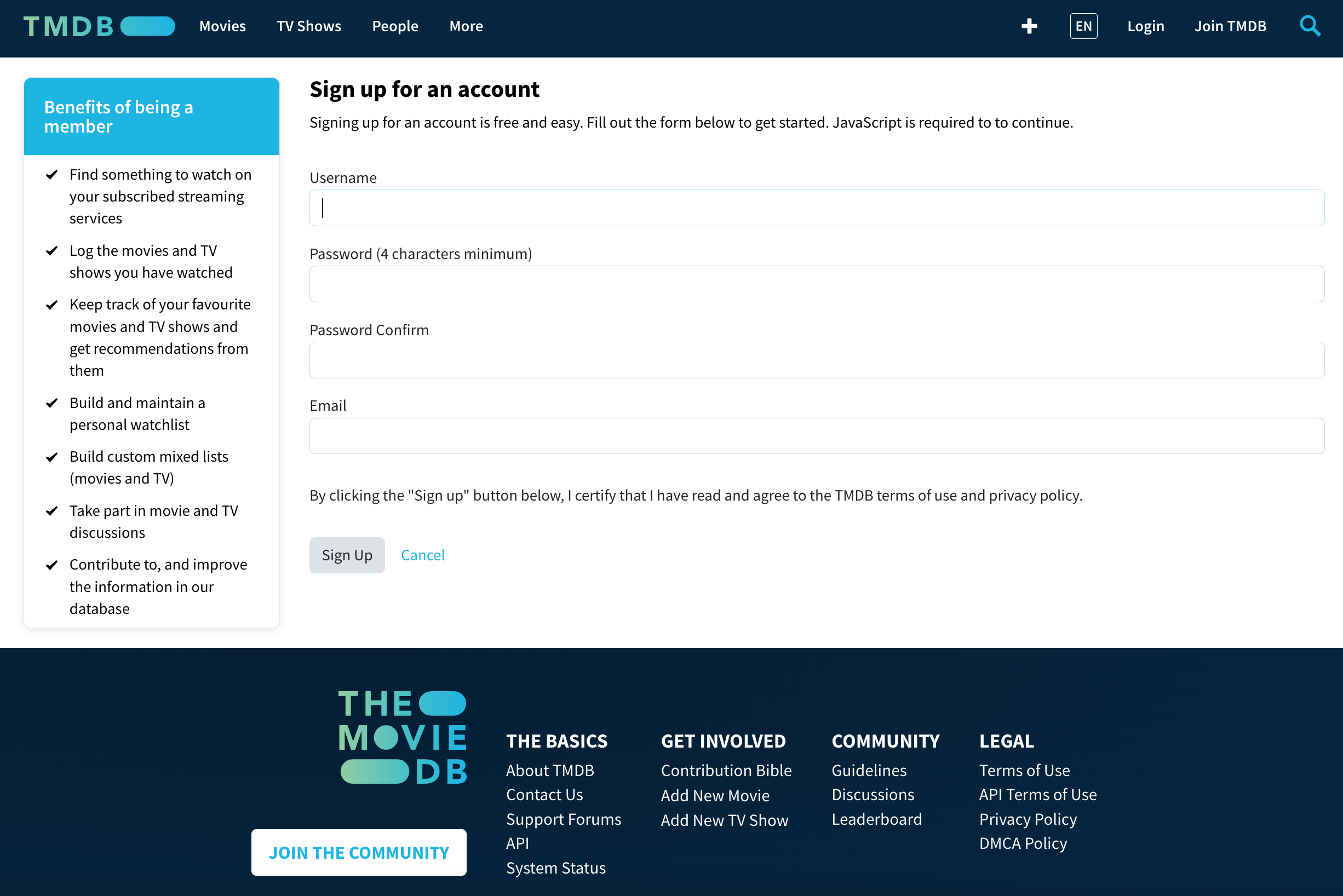
Complete Registration
- Choose username and password
- Verify your email address
Generate API Key
1
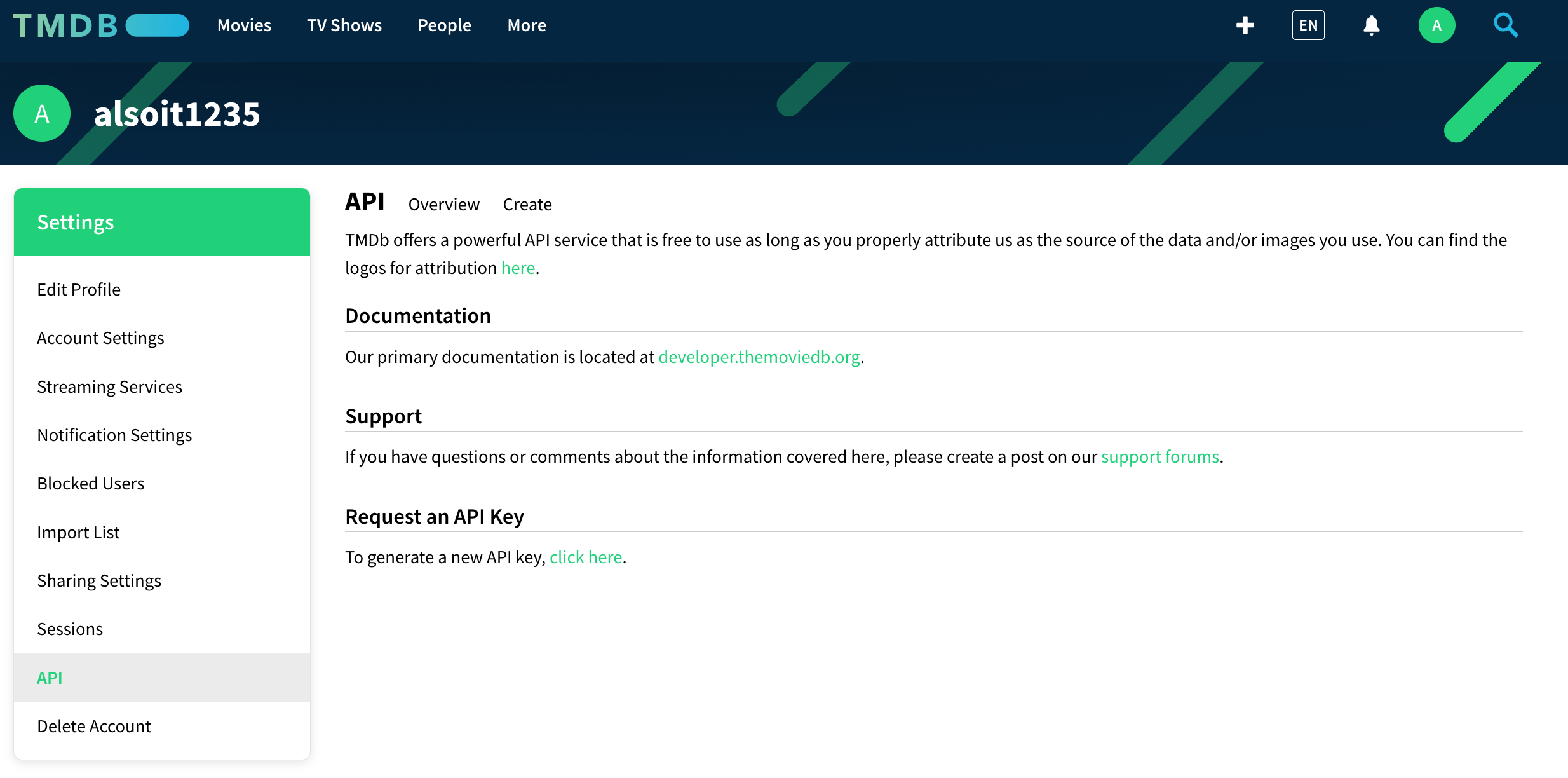
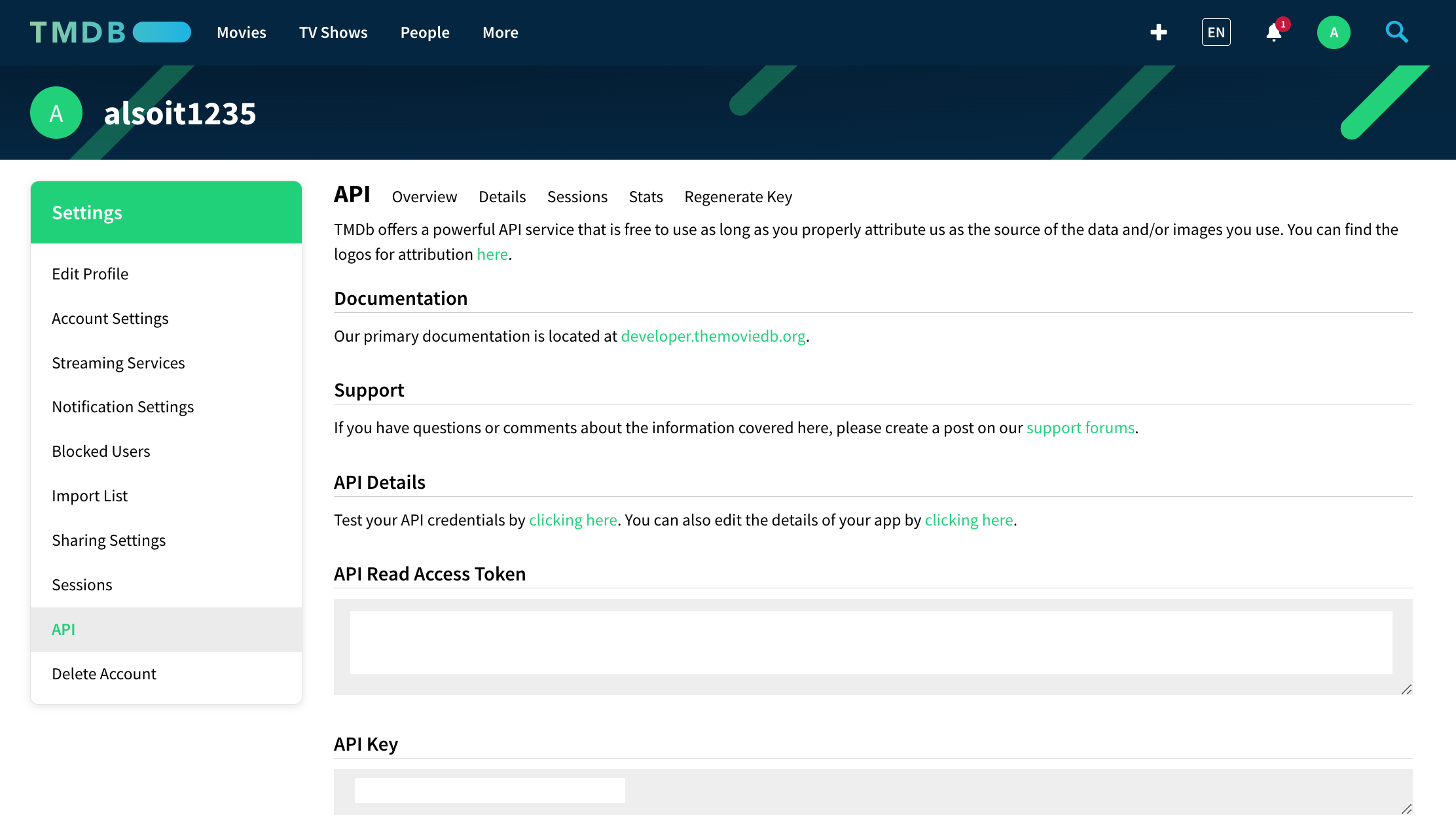
Access API Settings
- Go to your account settings
- Navigate to “API” section
2
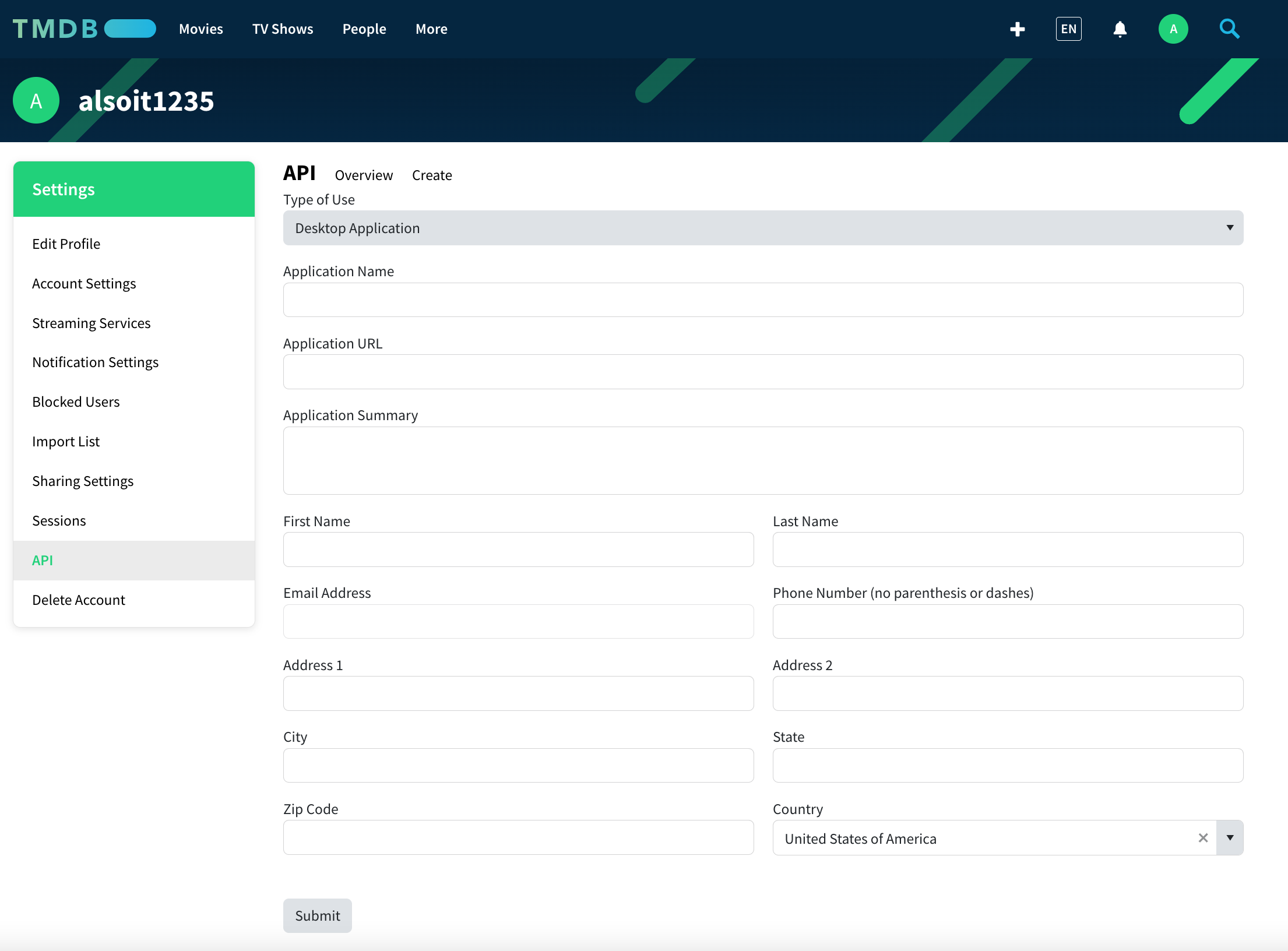
Create New Key
- Click “Create New API Key”
- Accept the terms of service
- Generate API credential
3
Secure Your Key
- Copy the API key (v3 auth)
- Store it securely
Add to Anything project
1
Add the Integration
- In your Anything project, type
/in chat - Select “MovieDB” from the menu
2
Add Your API Key
- Paste your MovieDB API key into “MOVIEDB_API_KEY” secret
3
Start Exploring
Use prompts to access entertainment data:
Show details for The Dark Knight using /MovieDBBuild a movie recommendation app with /MovieDBCreate a TV show watchlist with /MovieDBDisplay cast photos for Stranger Things via /MovieDB