
Overview
Create Account
Sign up for a Nutritionix account
Get API Key
Generate your Nutritionix API keys
Copy into Anything
Add your API keys to Anything’s secrets
Account Creation
1
Visit Nutritionix Website
Go to developer.nutritionix.com and click “Sign Up”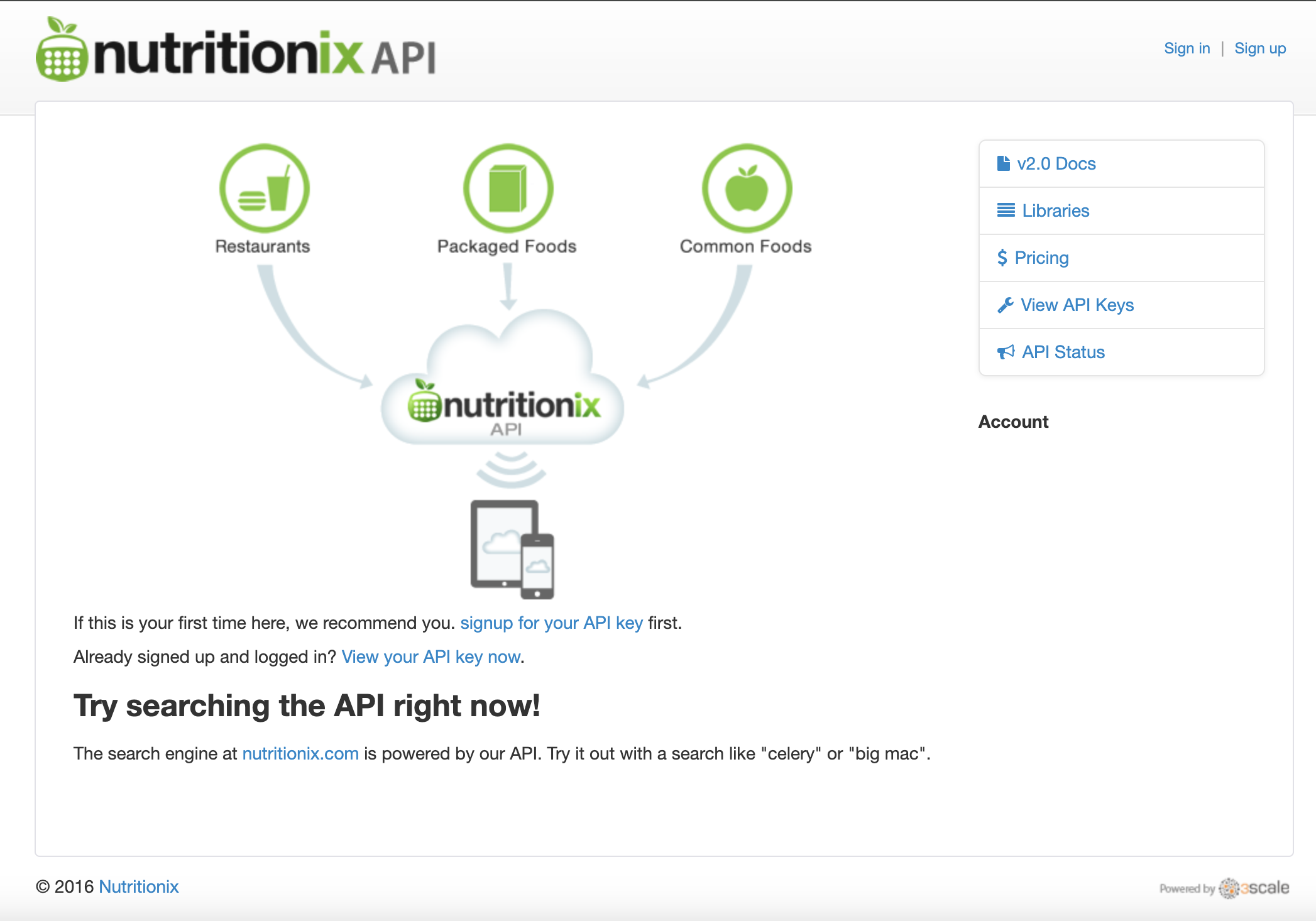
2
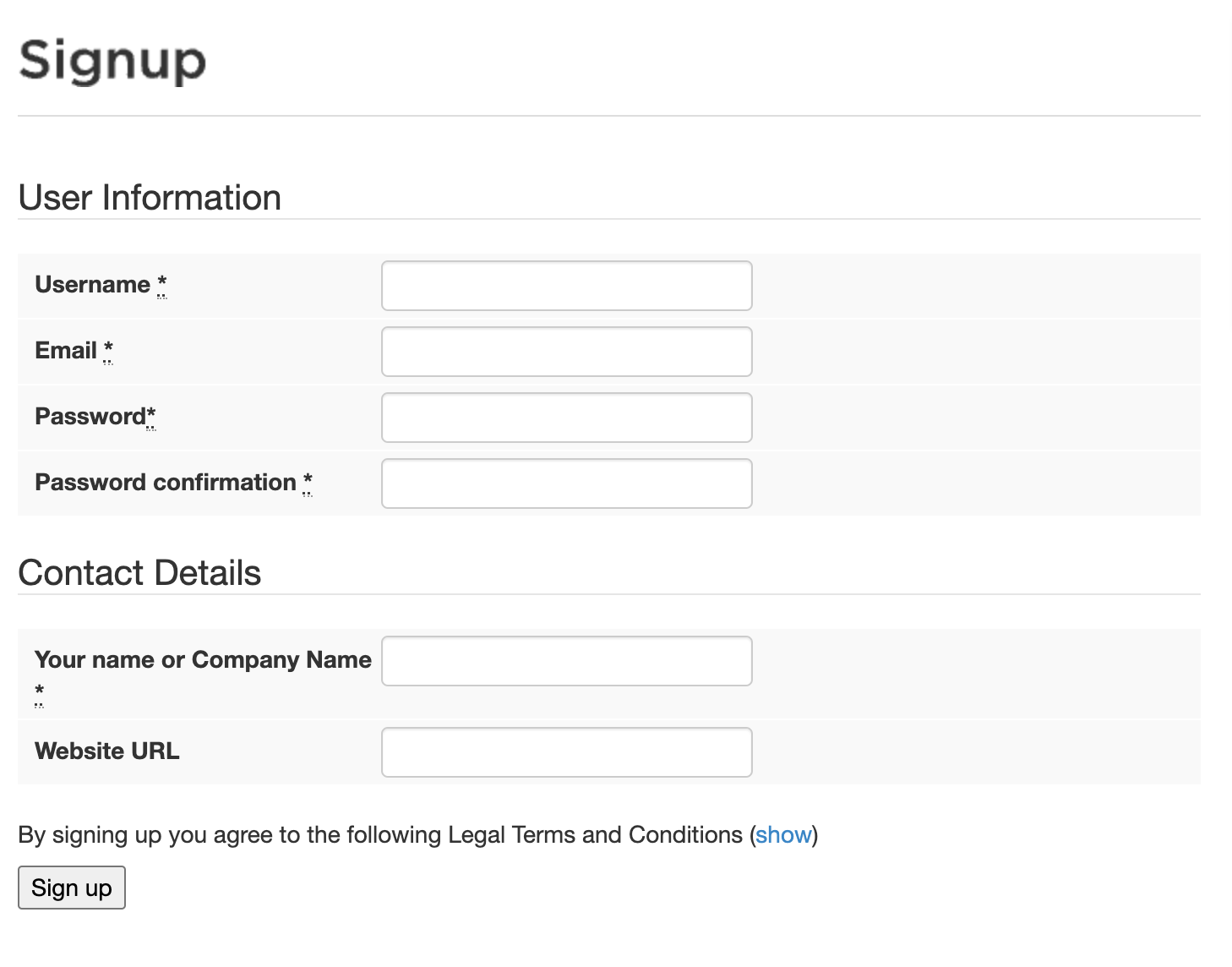
Choose Signup Method
- Sign up with email/password
- Fill in your developer information
Generate API Keys
1
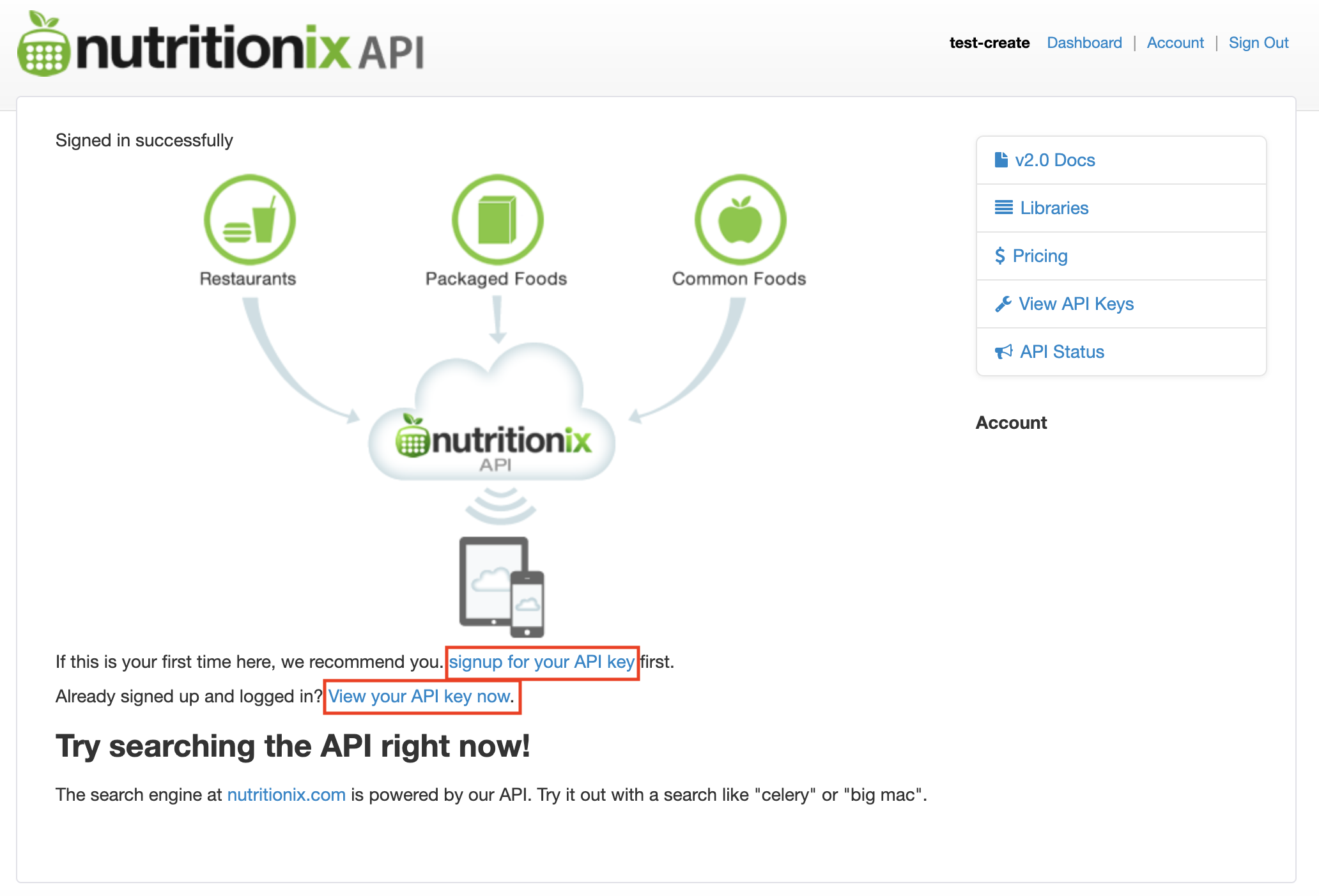
Access API Keys
- Go to your Nutritionix dashboard
- Navigate to “Applications”
2
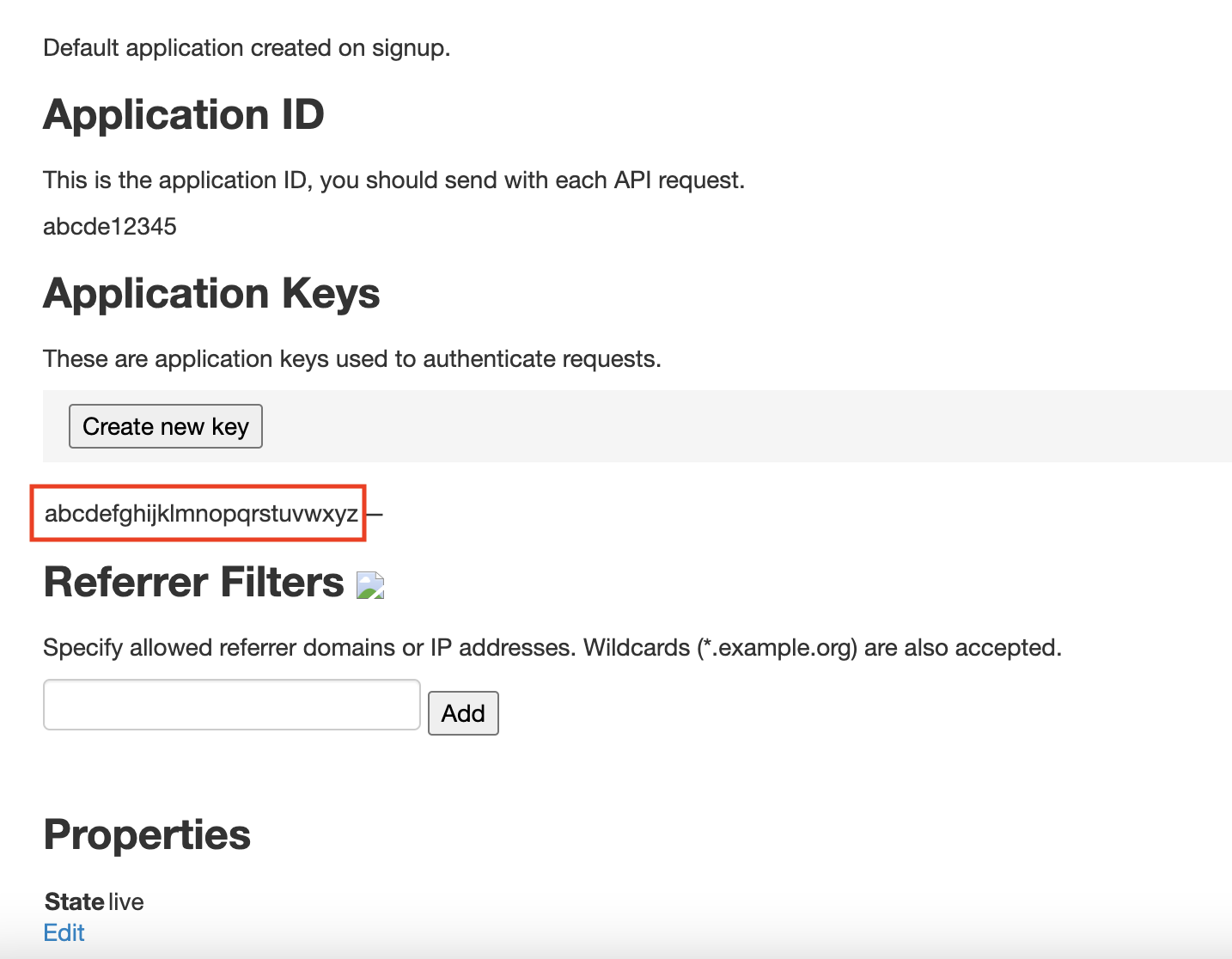
Get Your Keys
- Your Application ID and API Key will be displayed
- Copy both keys
Add to Anything project
1
Add the integration
- In your Anything project, type
/in the chat - Select “Nutritionix” from the menu
2
Add your API keys
- Paste your Application ID into the “NUTRITIONIX_APP_ID” field
- Paste your API Key into the “NUTRITIONIX_API_KEY” field
3
Start searching
You can now use prompts with the integration to access nutrition data.Example prompts:
Get nutrition info for an apple using /NutritionixTrack calories with /NutritionixBuild a meal planner using /Nutritionix