
Overview
Create Account
Sign up for a Petfinder account.
Get API Key
Generate your Petfinder API key.
Connect to Anything
Add your API key to Anything’s secrets.
Account Creation
1
Visit Petfinder's Website
Go to petfinder.com/developer and click “Sign Up” in the top right corner.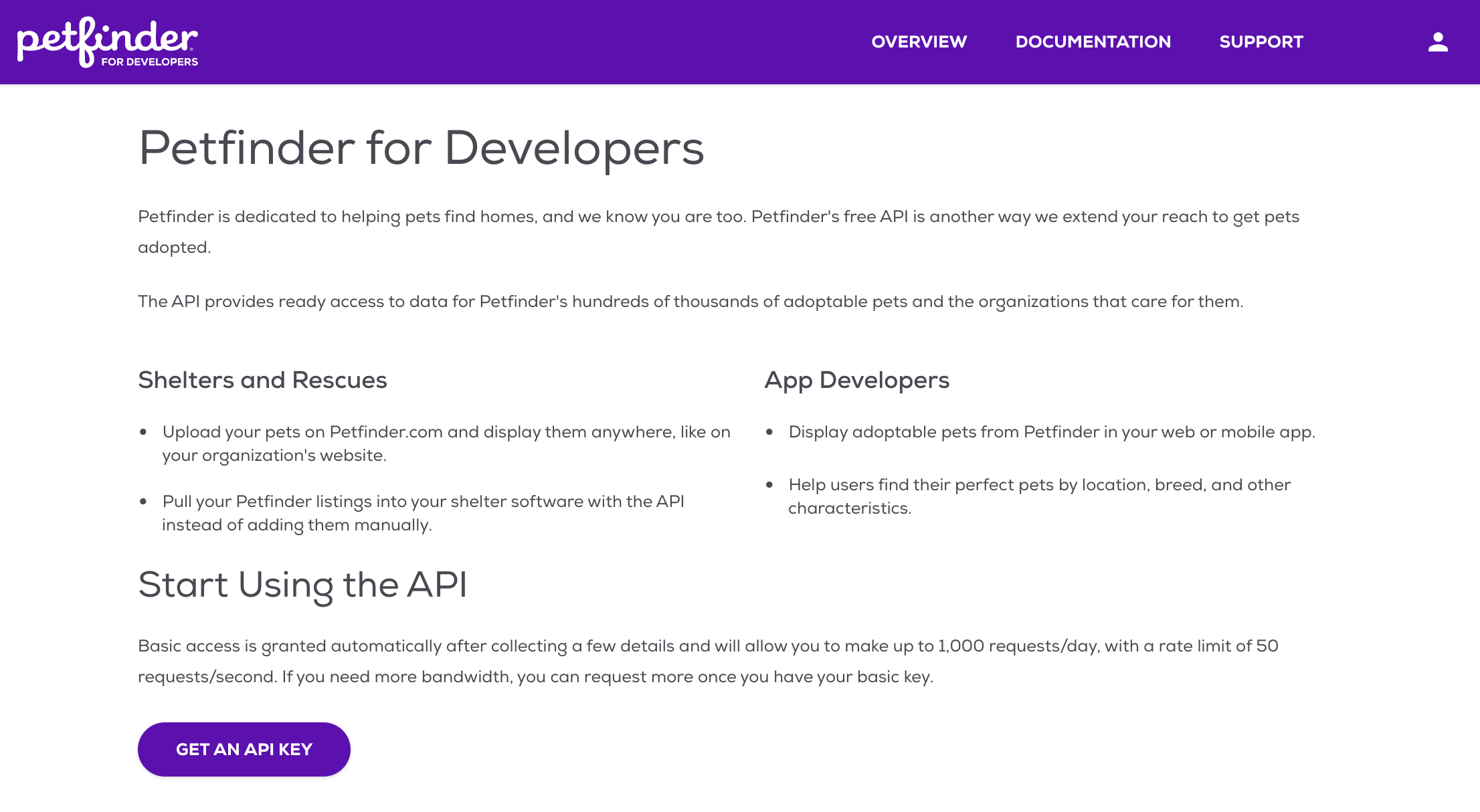
2
Choose Signup Method
- Sign up with email/password.
- Or continue with social media authentication.
3
If the website isn’t logging you in properly, please click “Request Elevated Access”.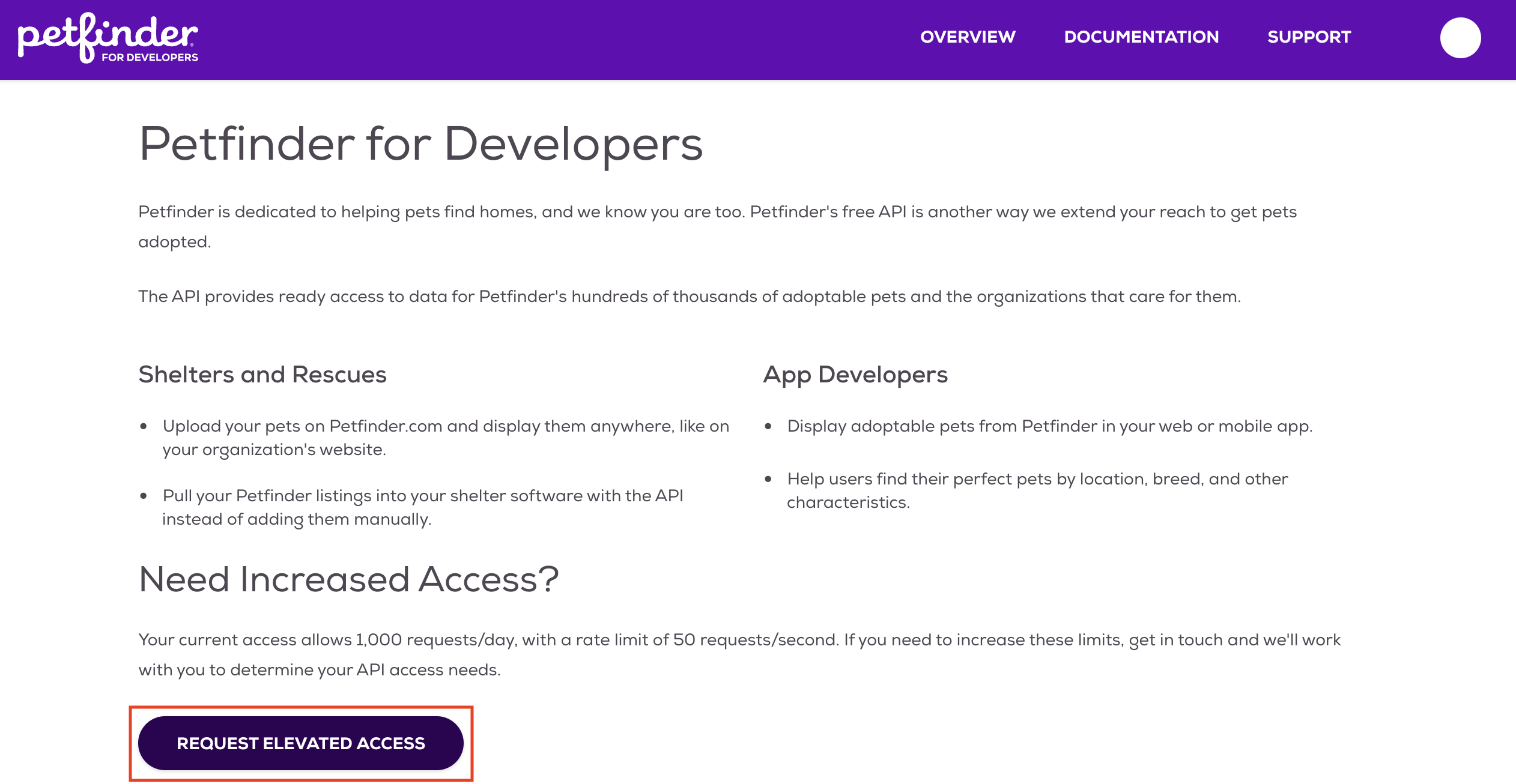
Generate API Key
1
Access API Settings
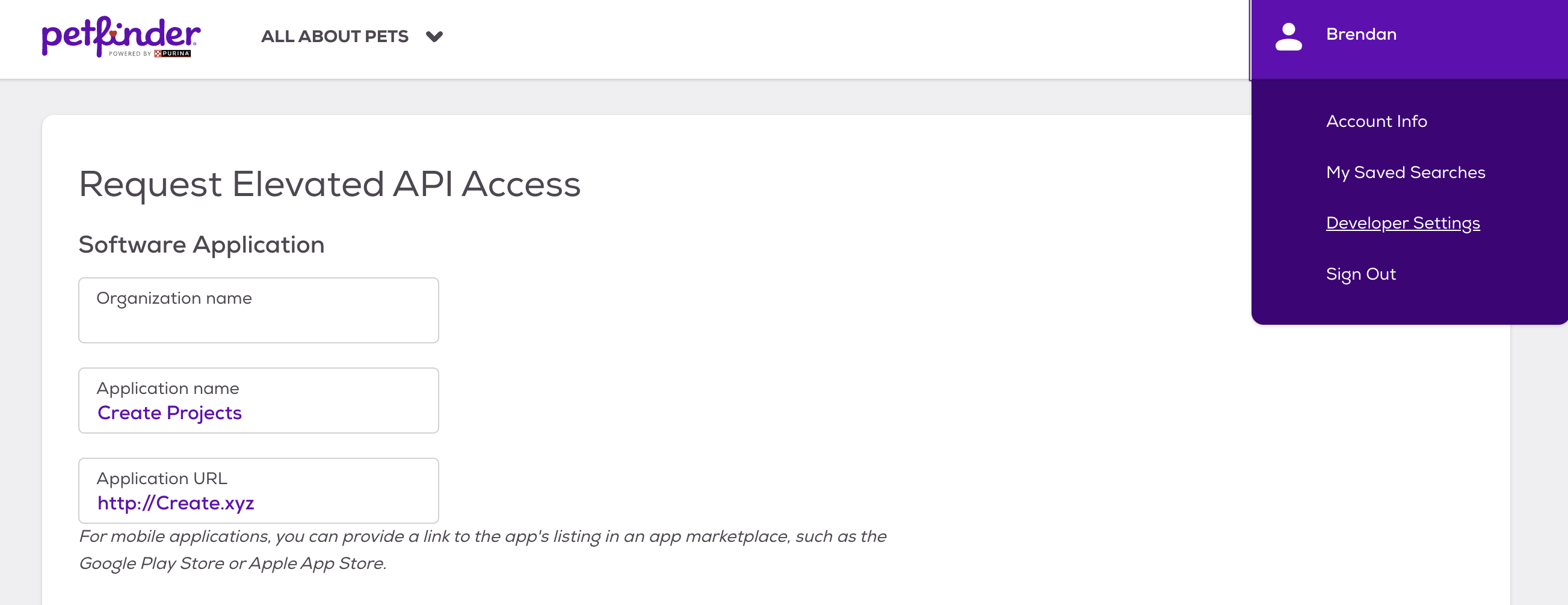
- Log in to your Petfinder account.
- Navigate to the Developer Settings section in your account settings.
2
Create New API Key
- Click “Create API Key.”
- Name your key (e.g., “Anything Integration”).
- Click “Generate.”
3
Copy Your Key
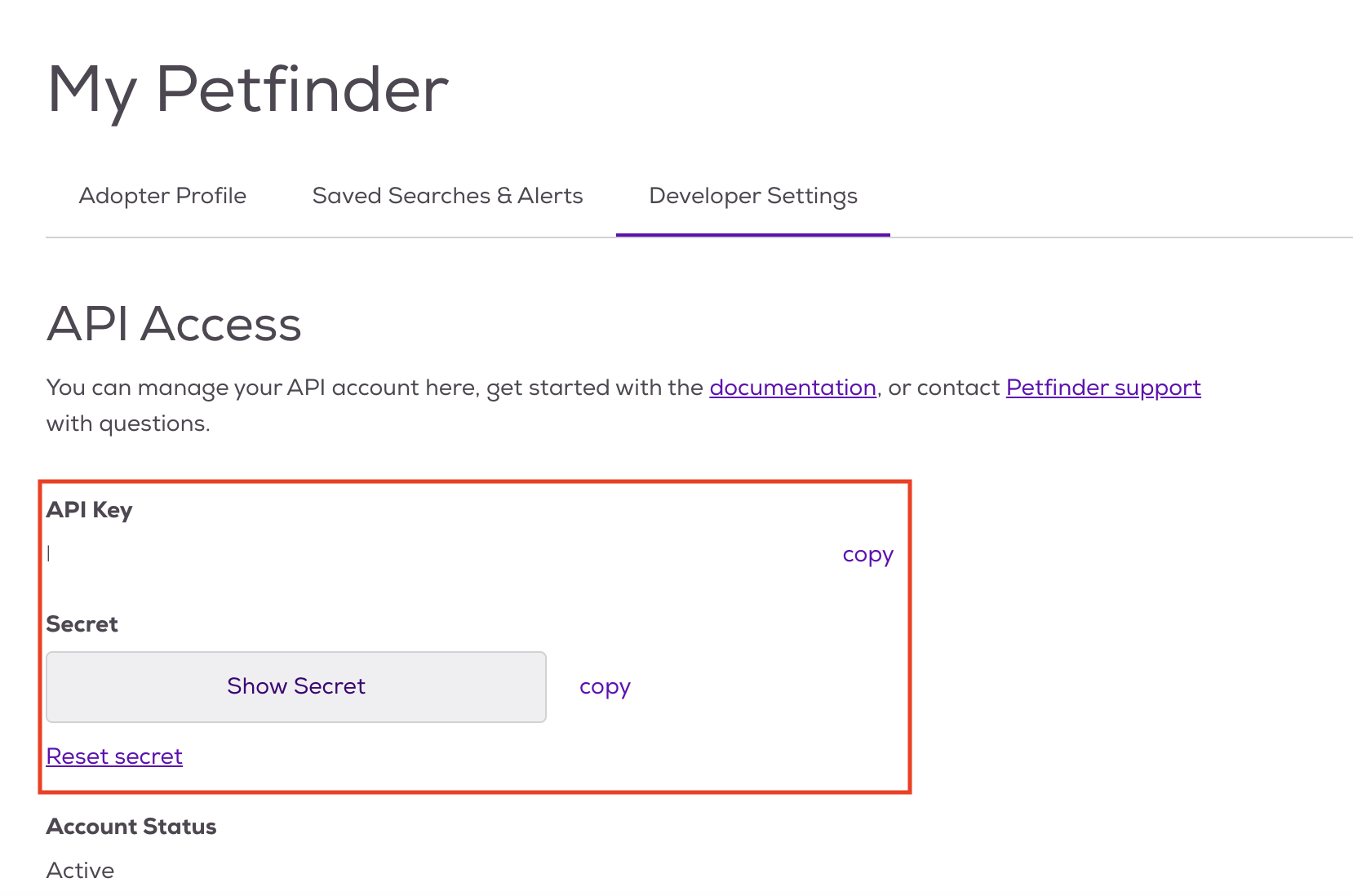
- Copy the generated API key.
- Store it securely - you won’t be able to see it again.
Add to Anything project
1
Add the Integration
- In your Anything project, type
/in chat. - Select “Petfinder” from the menu.
2
Add Your API Key
- Paste your API key into “PETFINDER_API_KEY.”
3
Start Using
You can now use prompts with the integration to access pet adoption data.Example prompts:
Find adoptable pets in my area using /PetfinderGet details about a specific pet using /PetfinderBuild a pet adoption app with /Petfinder