
Overview
Create Account
Sign up for a Spotify Developer account
Get API Key
Generate your Spotify API credentials
Copy into Anything
Add your API keys to Anything’s secrets
Account Creation
1
Visit Spotify Developer Portal
Go to developer.spotify.com and click “Dashboard”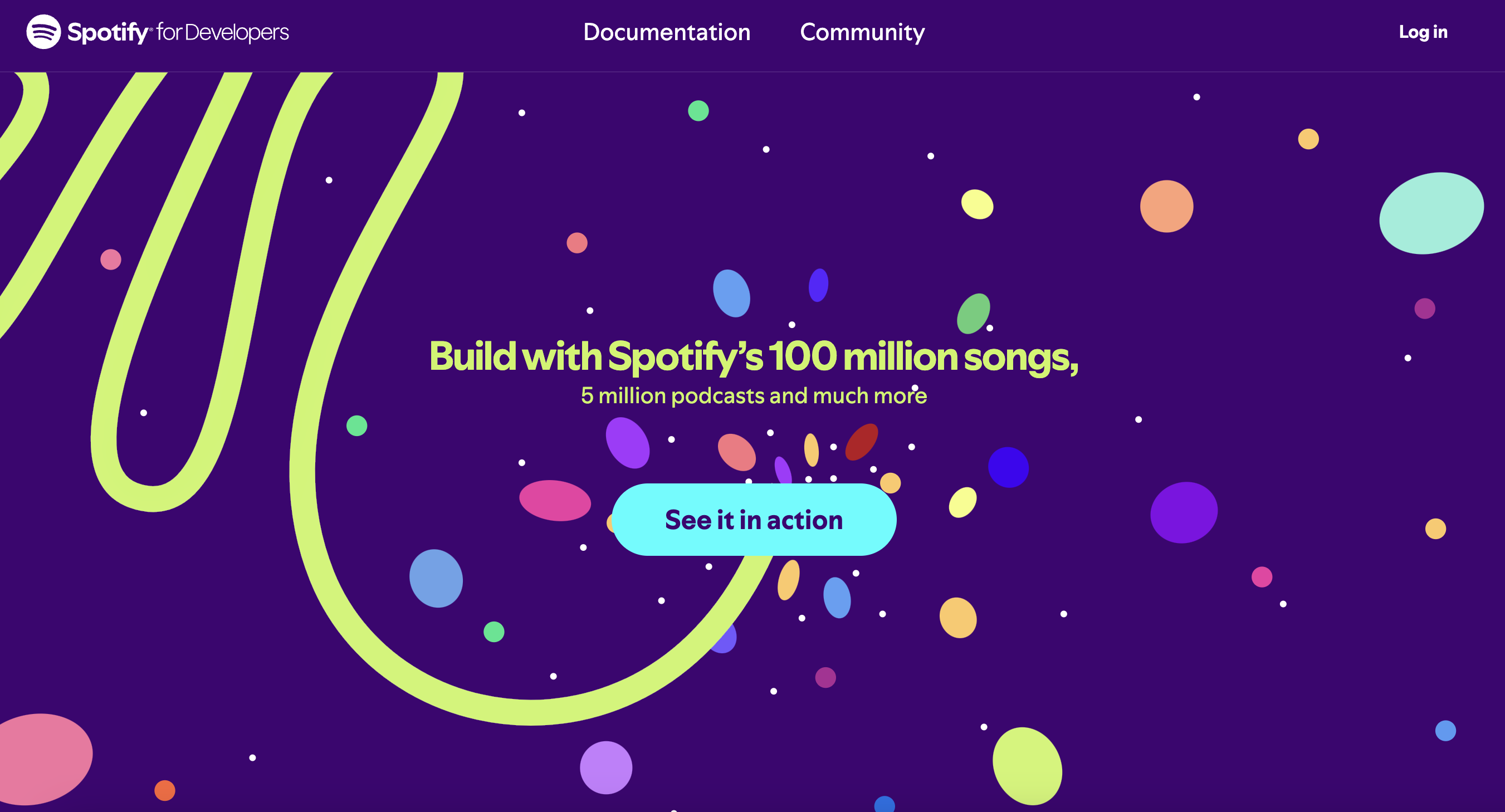
2
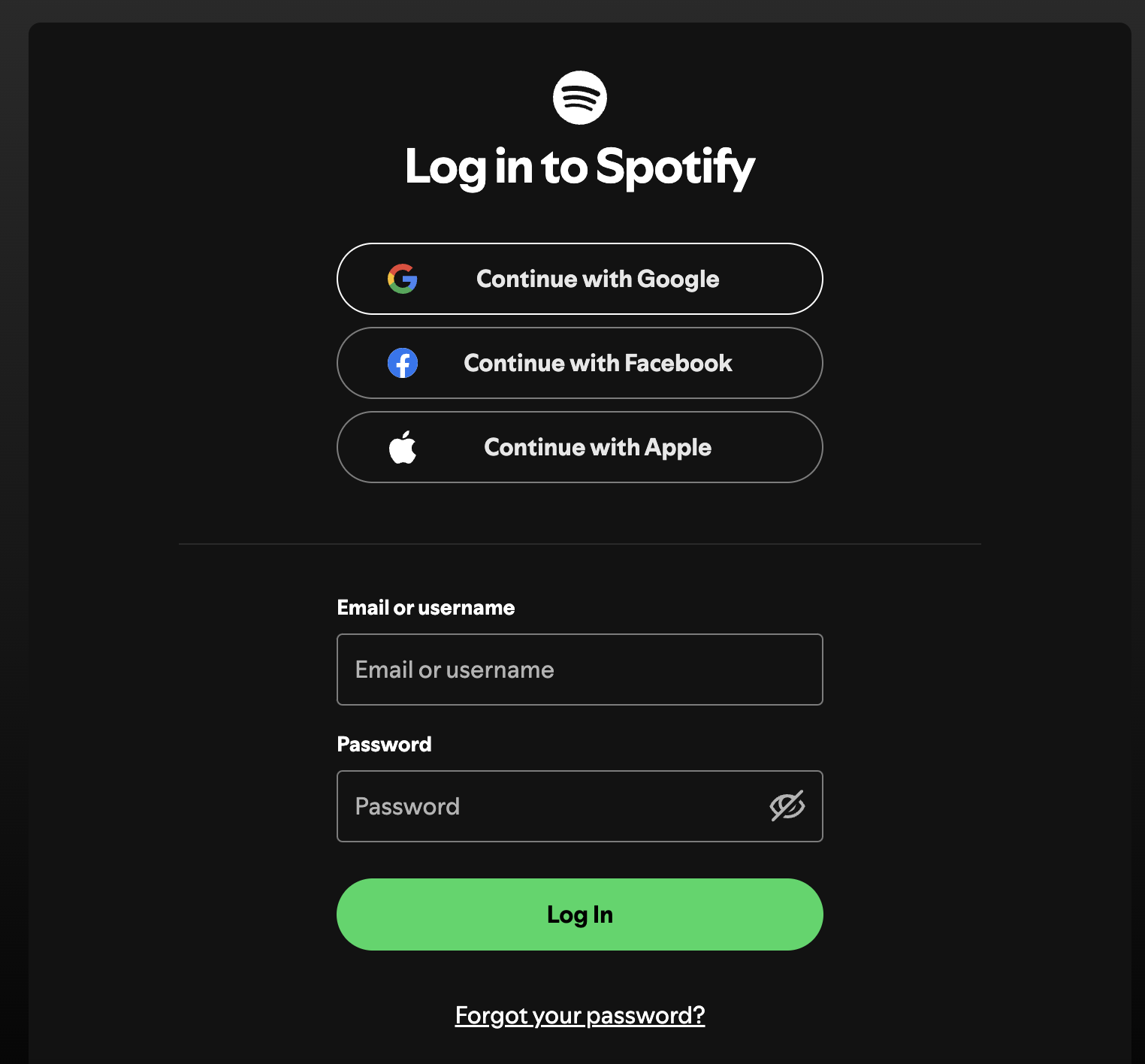
Sign up
- Log in with your Spotify account
3
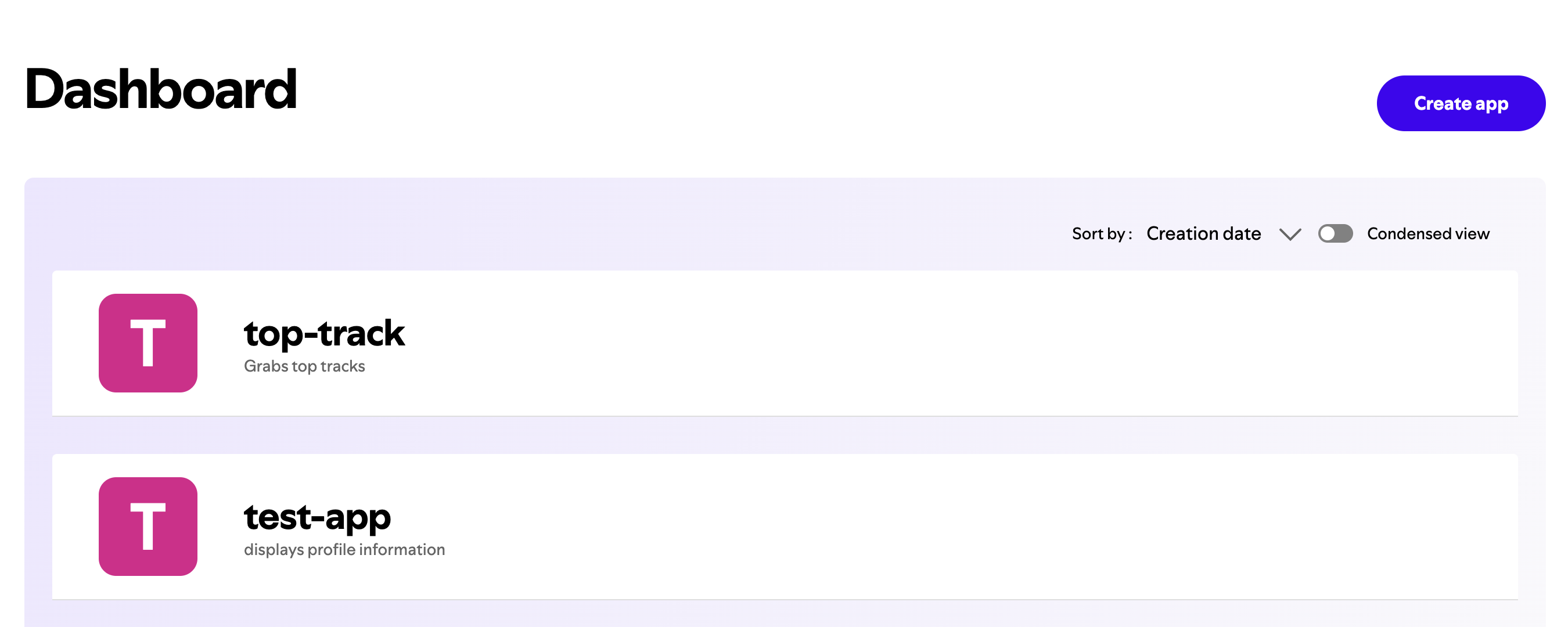
Create an App
- Click “Create App” in the dashboard
4
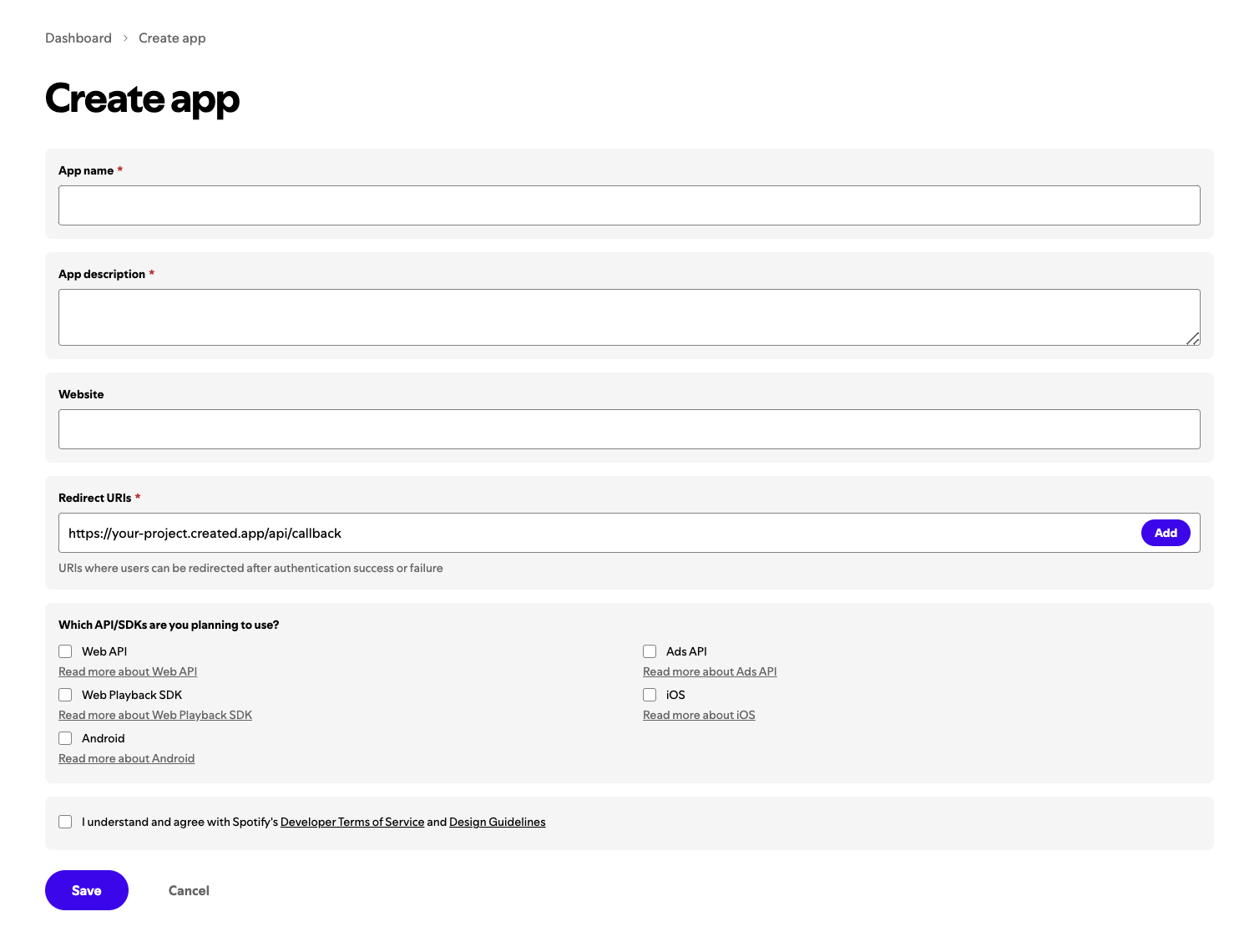
Add Details
- Fill in app name and description
- The redirect uri will be your create project live site url + /api/callback
Generate API Keys
1
Access Credentials
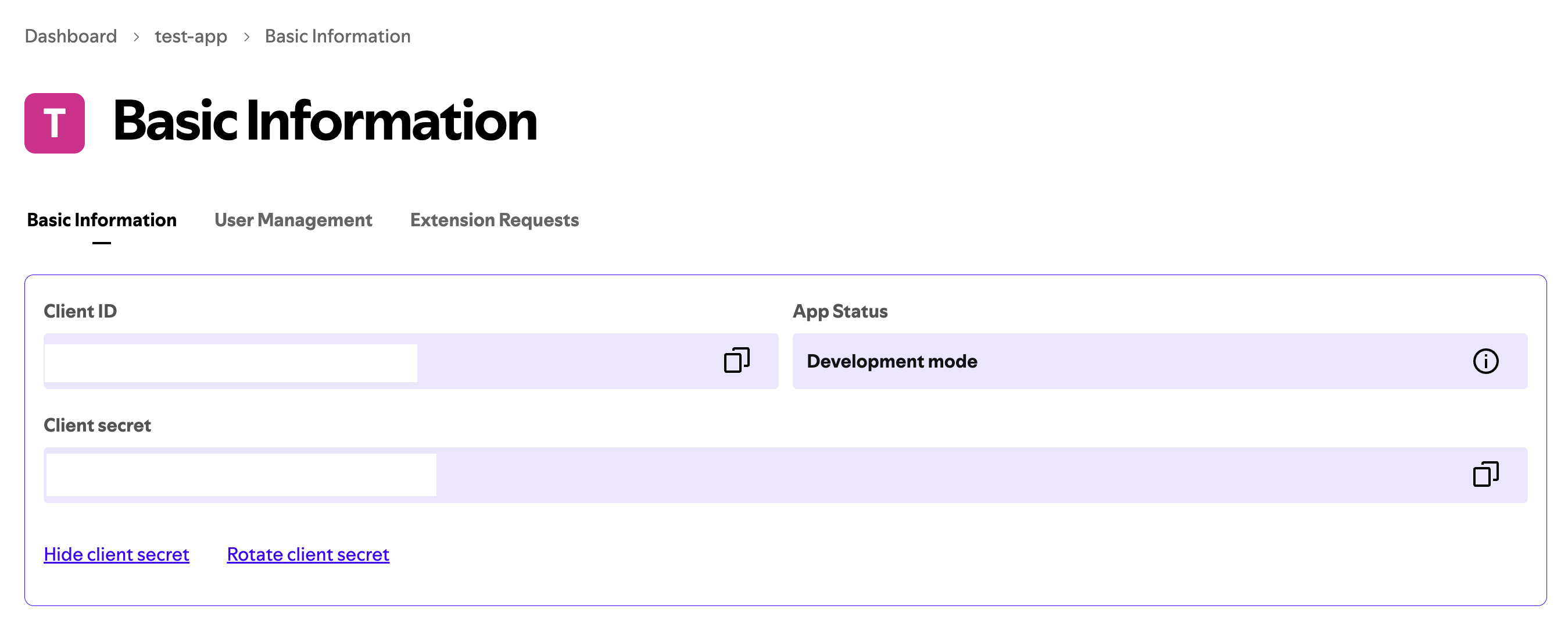
- Go to your app settings
- Find your Client ID and Client Secret
2
Configure OAuth
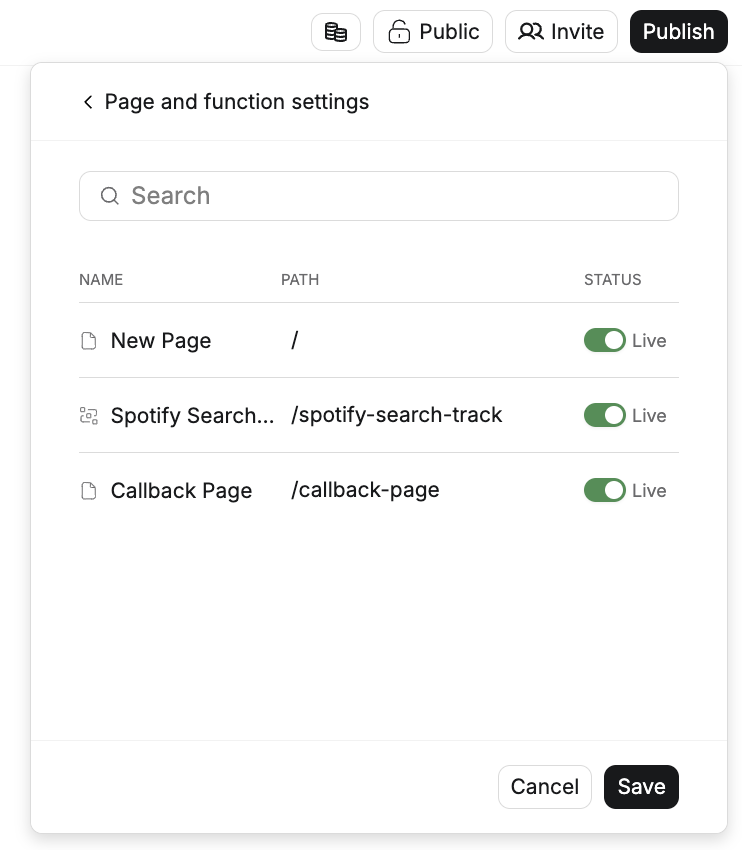
- Be sure your project is published
- Ensure there is a callback path in your page and functions setting
Add to Anything project
1
Add the integration
- In your Anything project, type
/in the chat - Select “Spotify” from the menu
2
Add your API keys
- Paste your Client ID into the “SPOTIFY_CLIENT_ID” field
- Paste your Client Secret into the “SPOTIFY_CLIENT_SECRET” field
3
Start using
You can now use prompts with the integration to access music data.Example prompts:
Get user's playlists using /SpotifySearch for songs with /SpotifyCreate a music player using /Spotify