
Overview
Create Account
Sign up for a TripAdvisor developer account
Get API Key
Generate your TripAdvisor API key
Copy into Anything
Add your API key to Anything’s secrets
Account Creation
1
Visit TripAdvisor Developer Portal
Go to tripadvisor.com/developers and click “Log in to get started”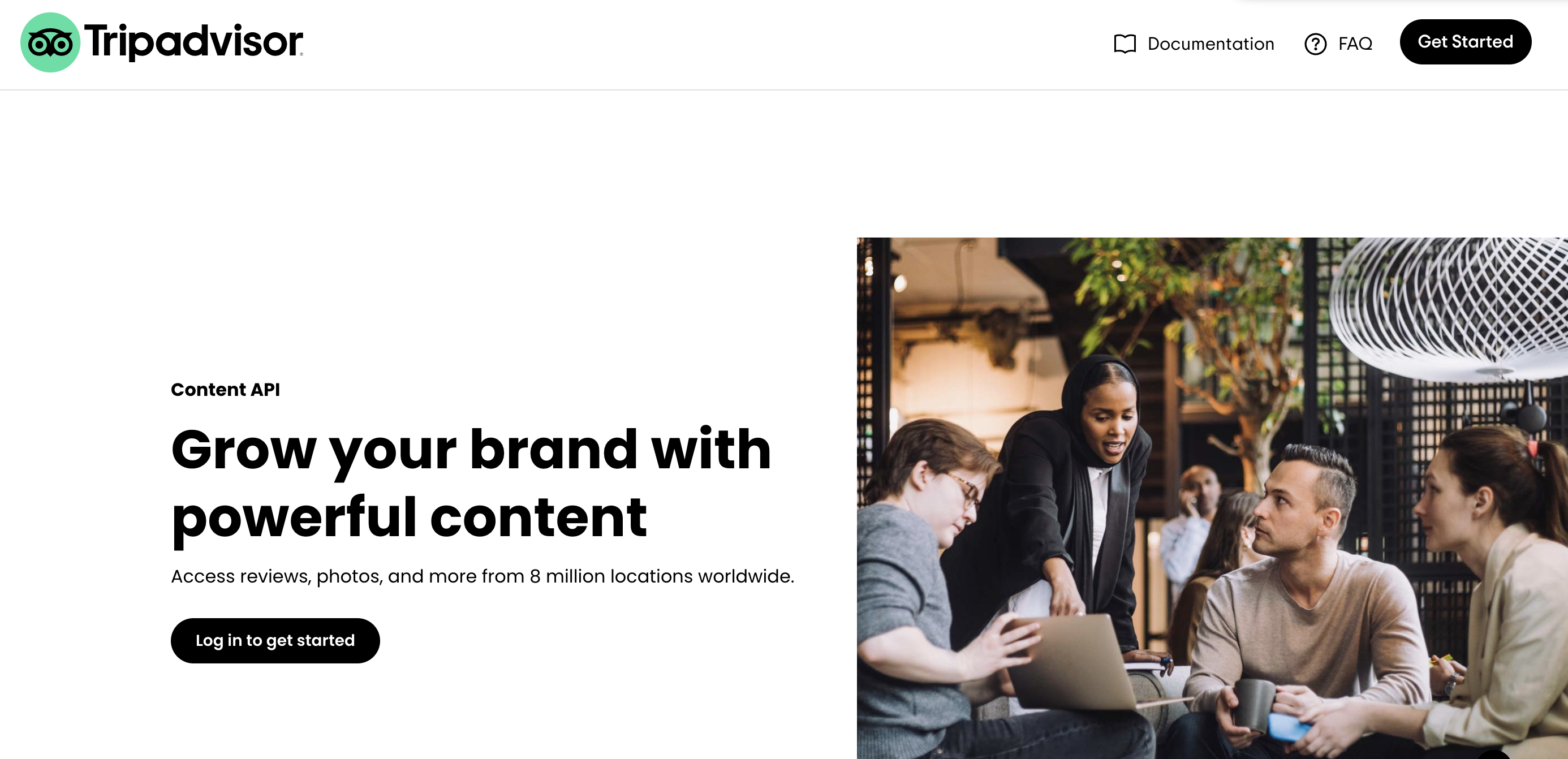
2
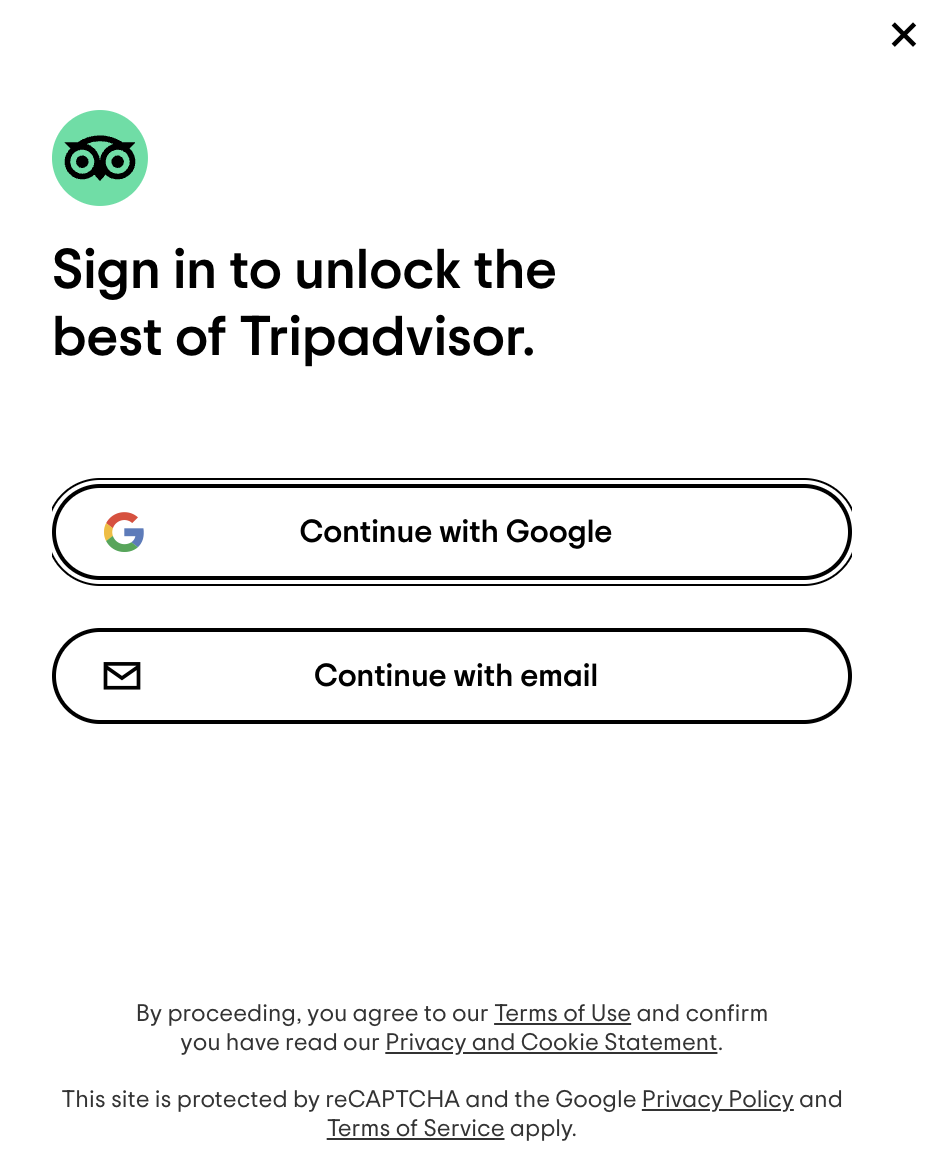
Complete Registration
- Fill in your personal and company information
- Verify your email address
- Accept the terms of service
Generate API Key
1
Access Developer Dashboard
- Log in to your TripAdvisor developer account
- Navigate to the “My API” section in your dashboard
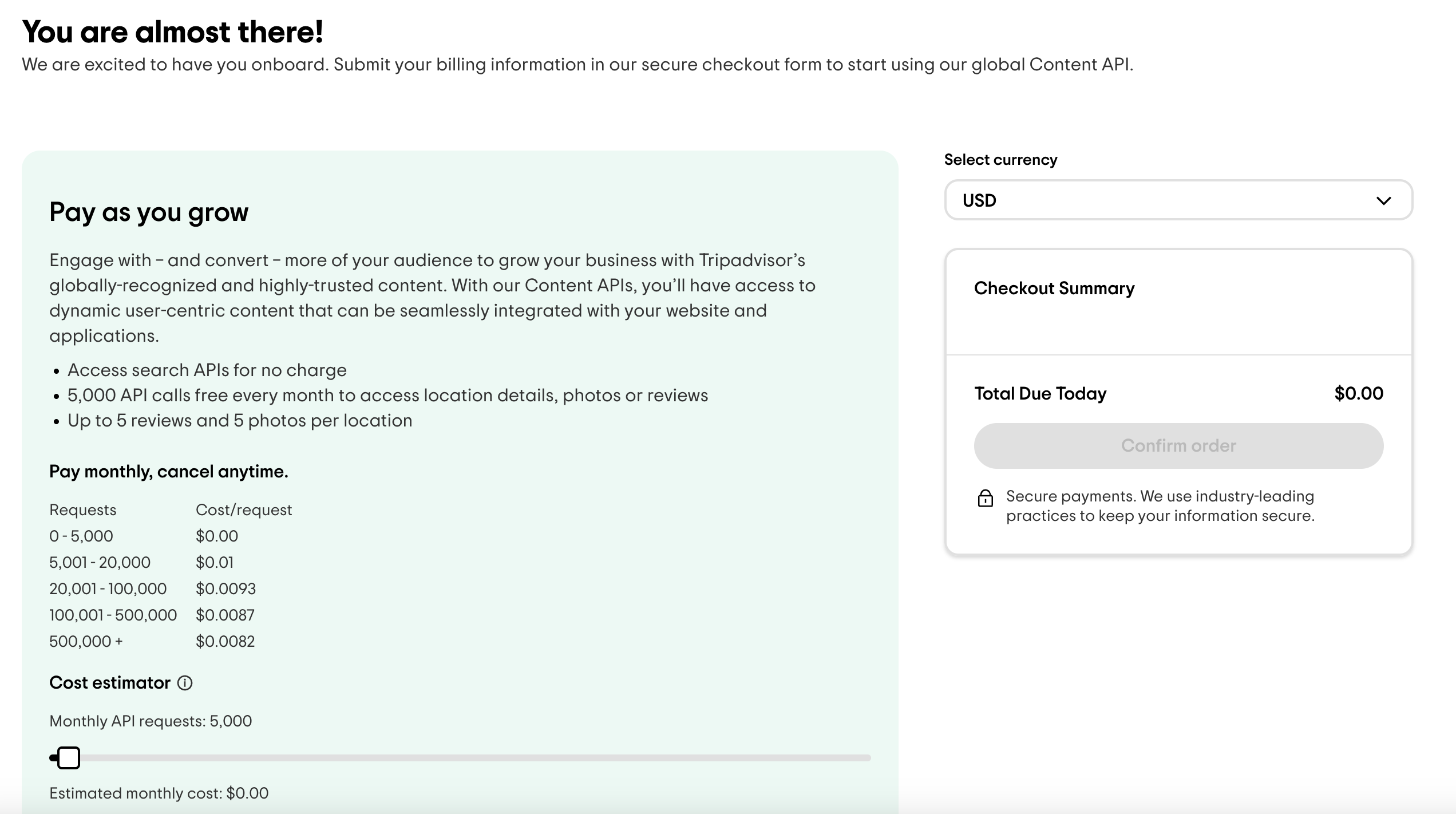
- Generate your new key
- Fill in your billing information
2
Get Your API Key
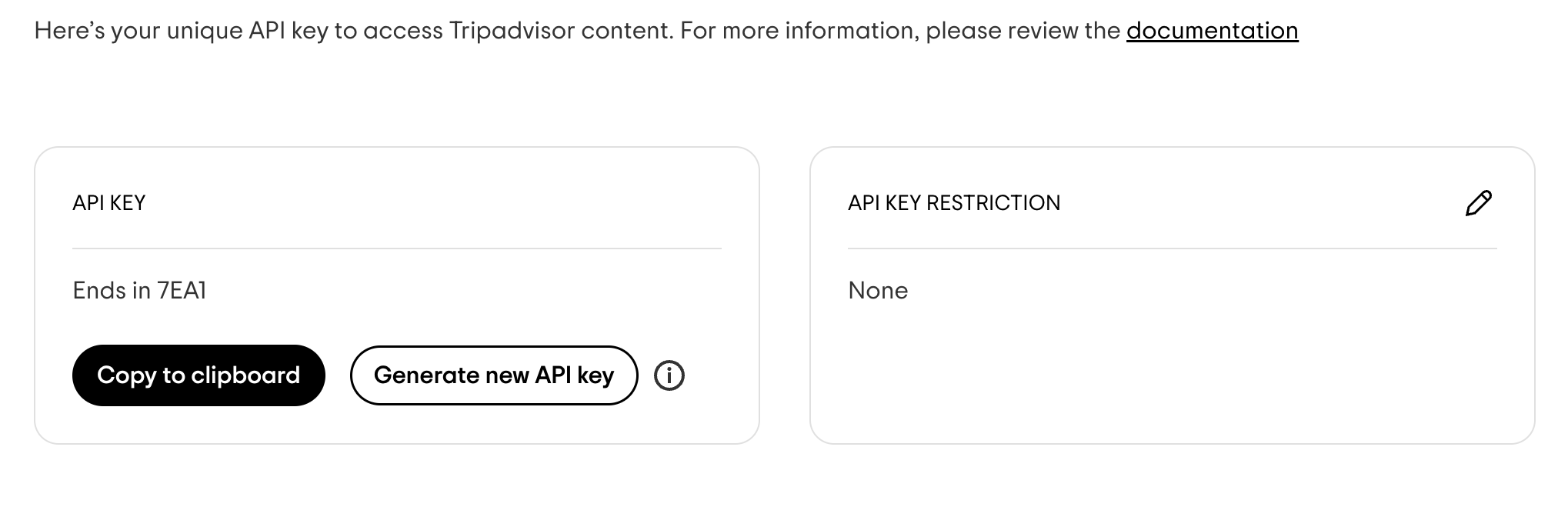
- Once your billing is set, you’ll receive your API key
- Copy the API key from your application details page
Add to Anything project
1
Add the integration
- In your Anything project, type
/in the chat - Select “TripAdvisor” from the menu
2
Add your API key
- Paste your TripAdvisor API key into the “TRIPADVISOR_API_KEY” field
3
Use it
You can now use prompts with the integration to access travel information.Some examples:
Find top-rated hotels in Paris using /TripAdvisorGet restaurant reviews near me with /TripAdvisorCreate a travel guide app using /TripAdvisor