
Overview
Create Account
Sign up for a USA Jobs account
Get API Key
Generate your USA Jobs API key
Copy into Anything
Add your API key to Anything’s secrets
Account Creation
1
Visit USA Jobs Website
Go to developer.usajobs.gov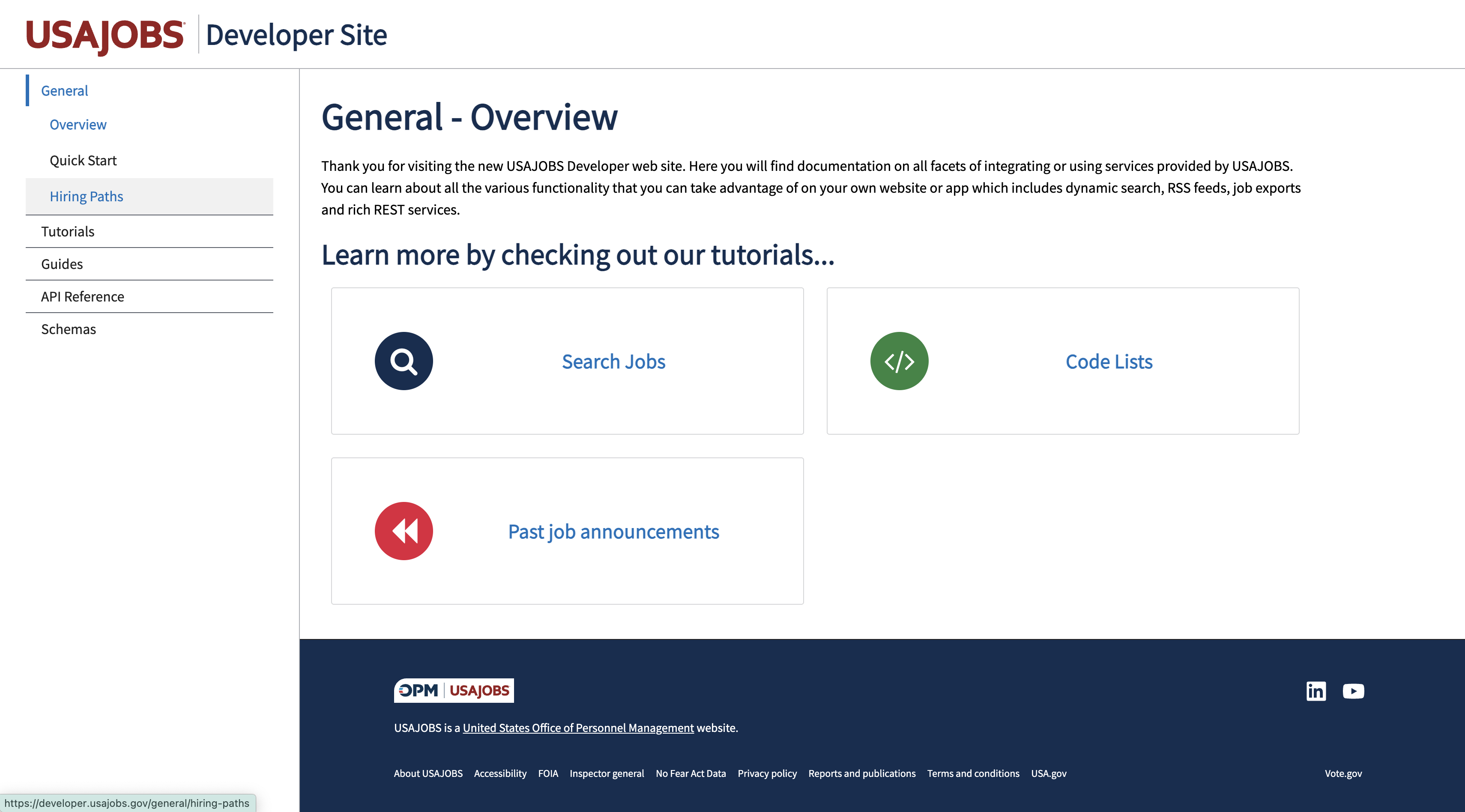
2
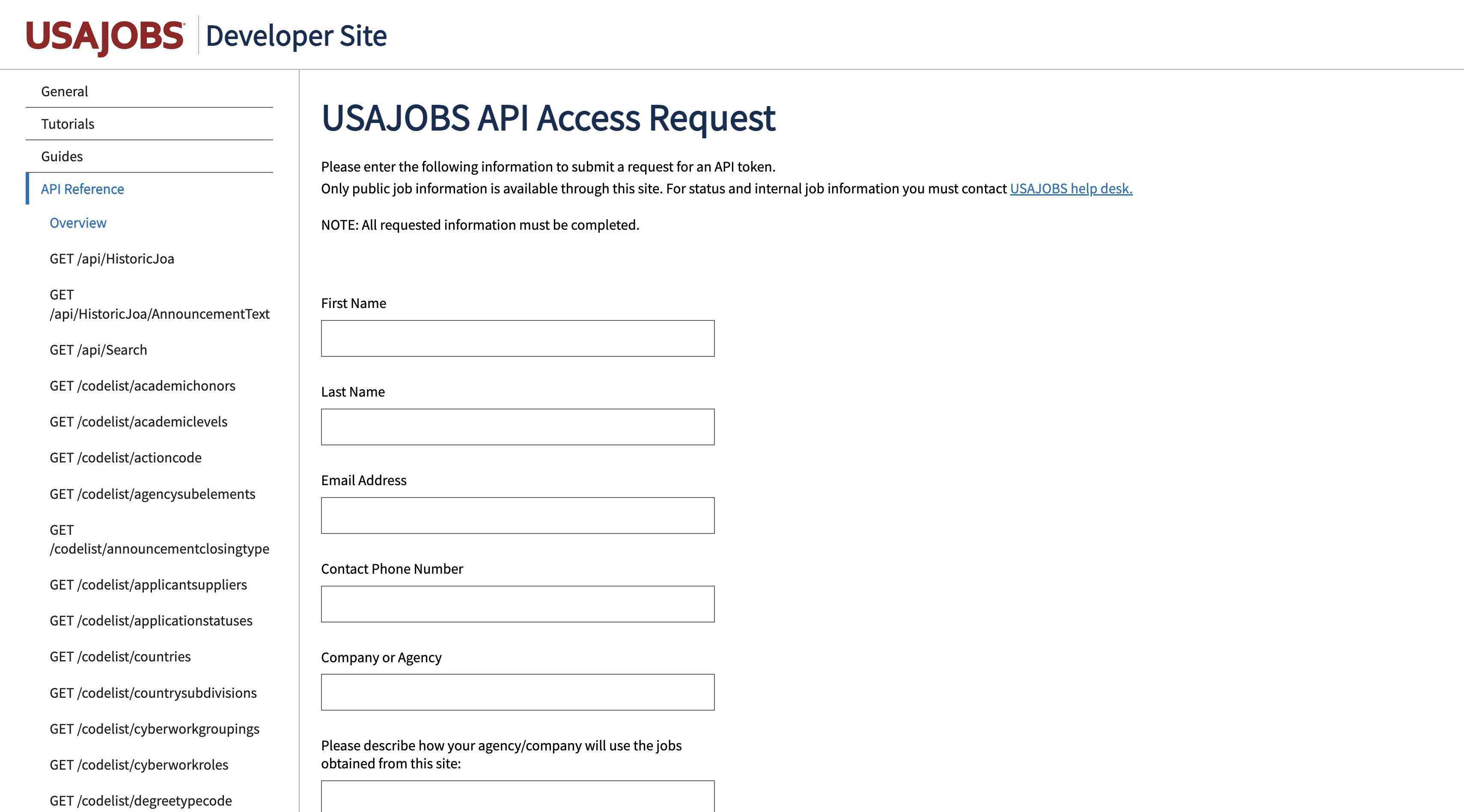
Register for an Account
- Fill in your organization information
- Provide contact details
- Complete the verification process
Generate API Key
1
Copy Your API Key
- Copy the generated API token found in the verification email
Add to Anything project
1
Add the integration
- In your Anything project, type
/in the chat - Select “USA Jobs” from the menu
2
Add your API key
- Paste your API key into the “USAJOBS_API_KEY” field
3
Use it
You can now use prompts with the integration to access federal job listings.Some examples:
Search federal jobs using /USAJobsFind government positions with /USAJobsCreate a job board using /USAJobs